


Hey - it’s Alex, this time together with Maria Ledentsova and Nikolas Chapoupis!
You might have come across Maria on LinkedIn from her time at Magier, where she was the founding marketer and responsible for activating LinkedIn as a GTM channel for the team.
Nikolas is the Founder of Socialkit, the LinkedIn employee advocacy software.
Today, we will do a deep dive into all the steps that founders/teams need to take to activate founder and employee brands on LinkedIn.
A quick word from our sponsors
📢 Scripe — Turn LinkedIn posts into revenue without the guesswork

Scripe turns your LinkedIn into a revenue channel. Get high-converting posts tailored to your voice, in minutes. No more guessing what to post, no expensive agencies, no hours of writing.
Just a repeatable content system that actually drives pipeline.
Use the code MRRUNLOCKED for $25 OFF on your first month ;)
👉 Reach 25.000+ SaaS operators with sponsored content. Sponsor the next newsletter.Before we start, a few episodes that might be relevant for you:
✅ How to create strong Lead Magnets
✅ The Ultimate Founder-Led LinkedIn Guide
✅ 17 experts sharing their best 0-1€ million ARR tip
Let’s dive in.
What is a good founder LinkedIn profile?
Treat your LinkedIn profile like a website landing page.
Your profile is what will compel visitors to either engage or bounce off.
To avoid the latter, the most important thing in your profile should be clarity.
Clarity on:
1️⃣ Who do you want to reach (aka. your ICP)
2️⃣ What’s in for them? Why should they follow/engage with you?
3️⃣ What do you want them to do (aka. CTA)
This infographic will help you design a great LinkedIn profile (for you and your employees).
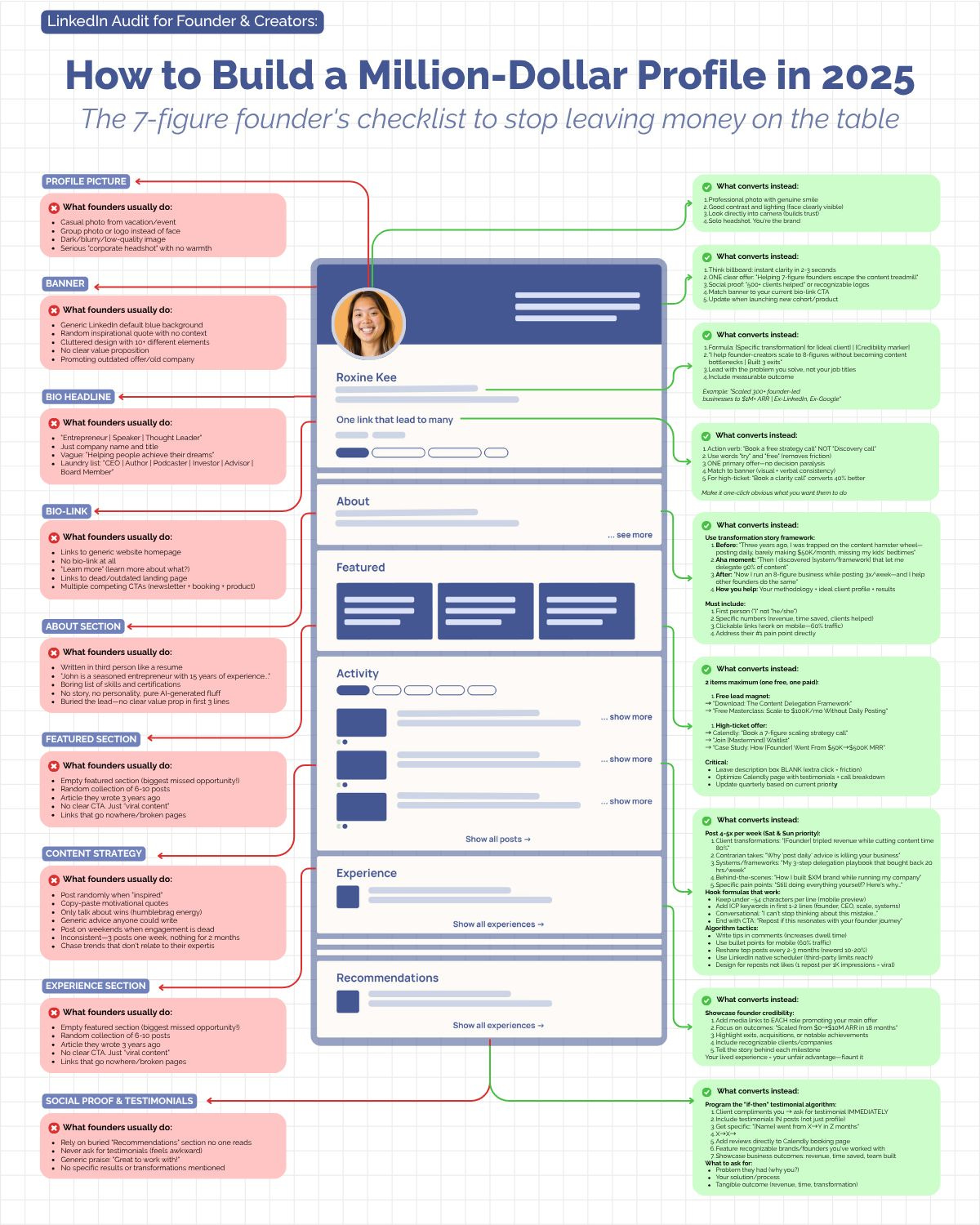
But let’s deep dive into the 3 key sections of your LinkedIn profile:
Banner
Headline
Featured Section
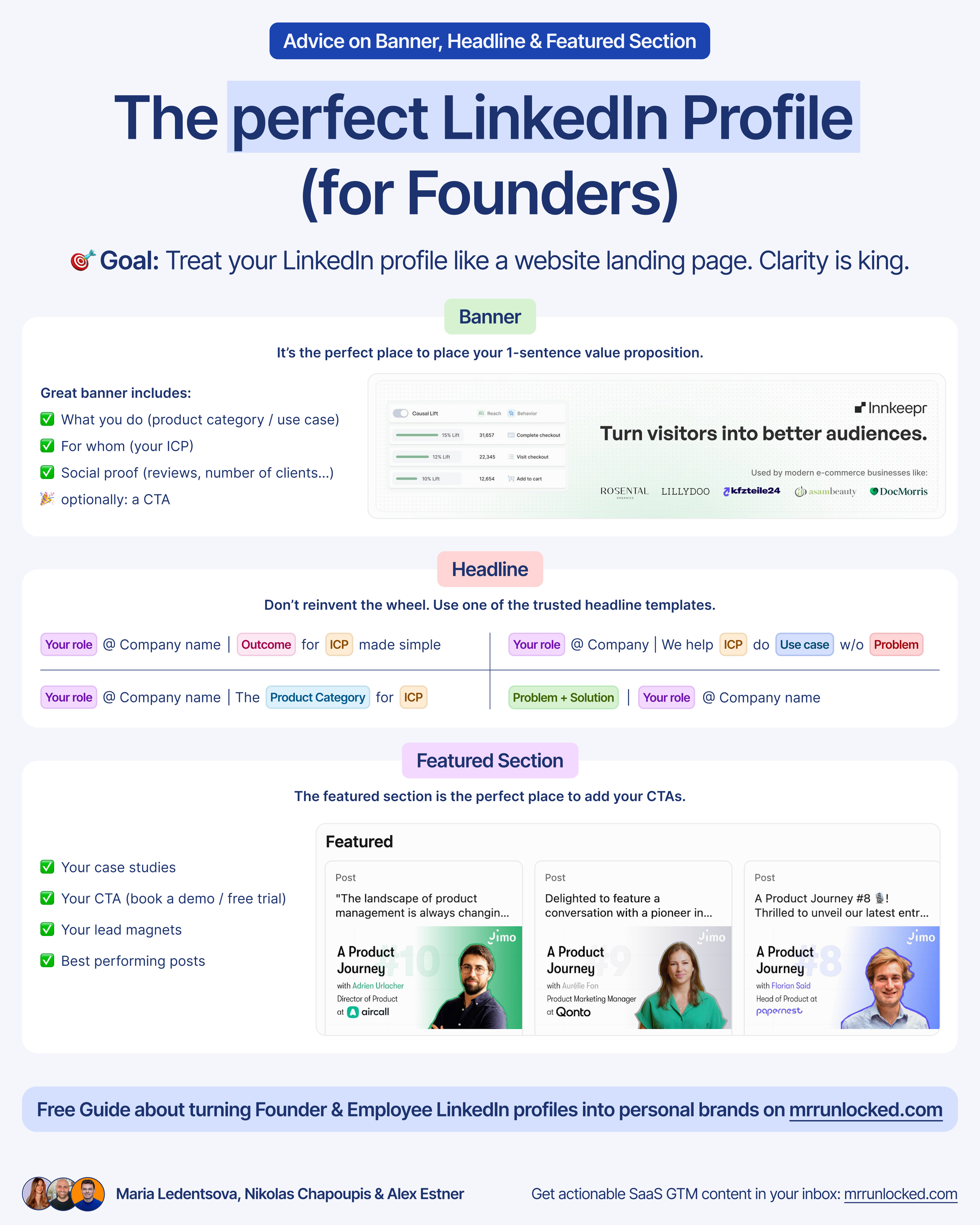
Banner
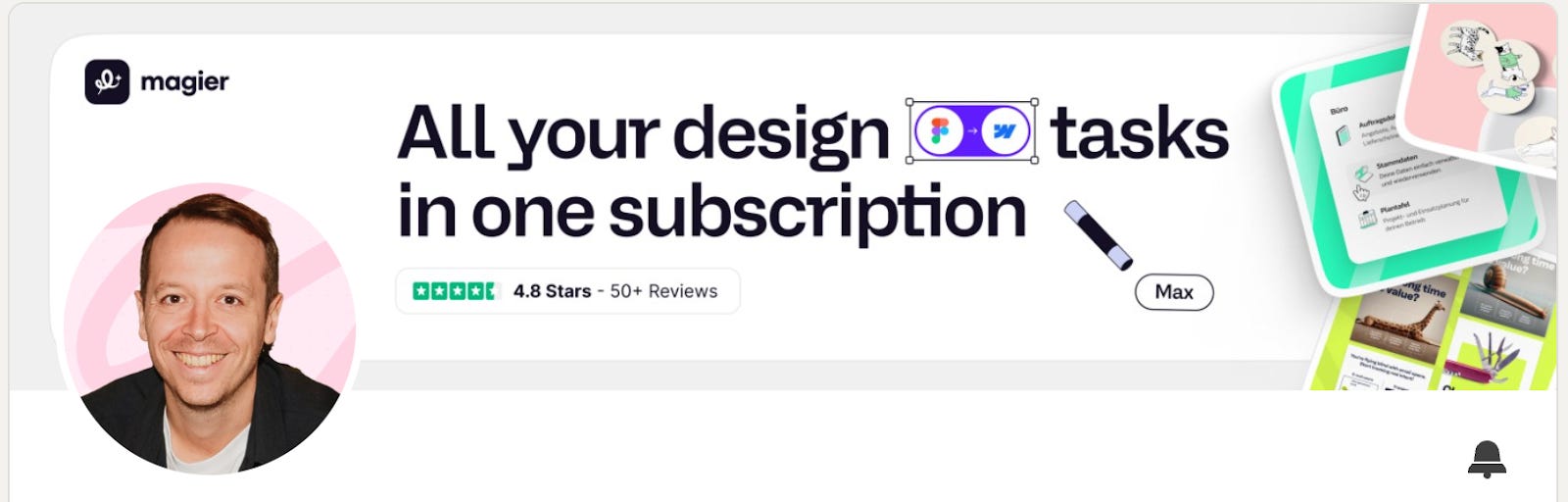
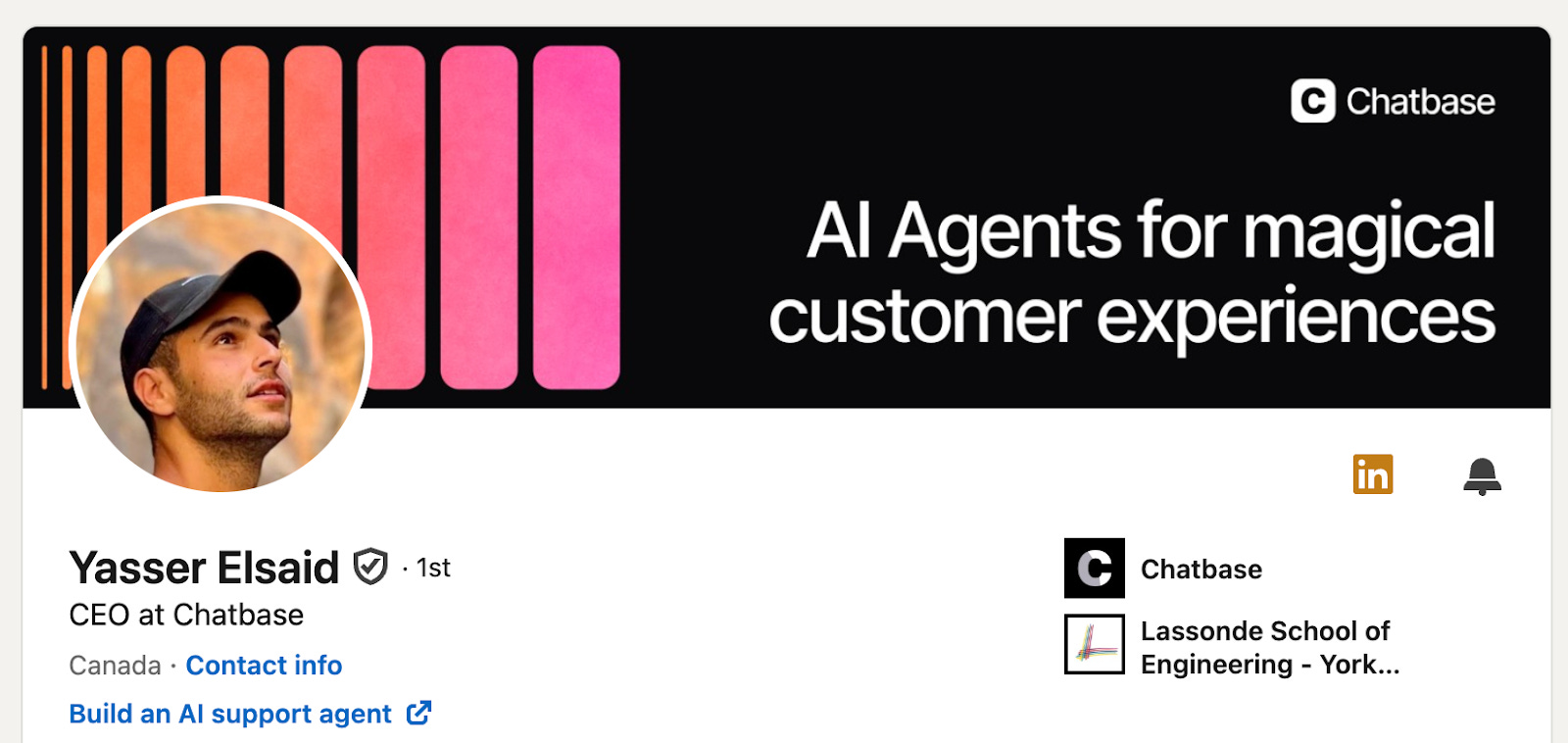
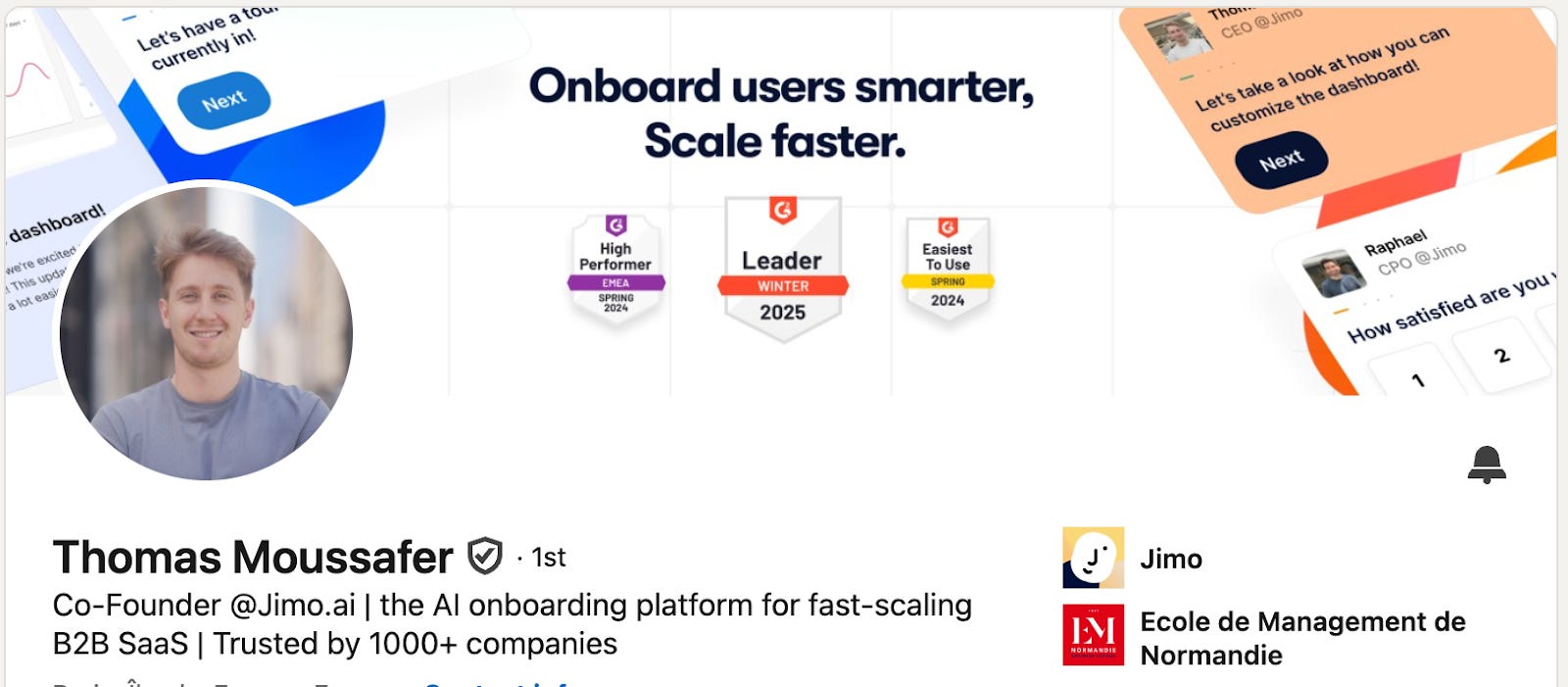
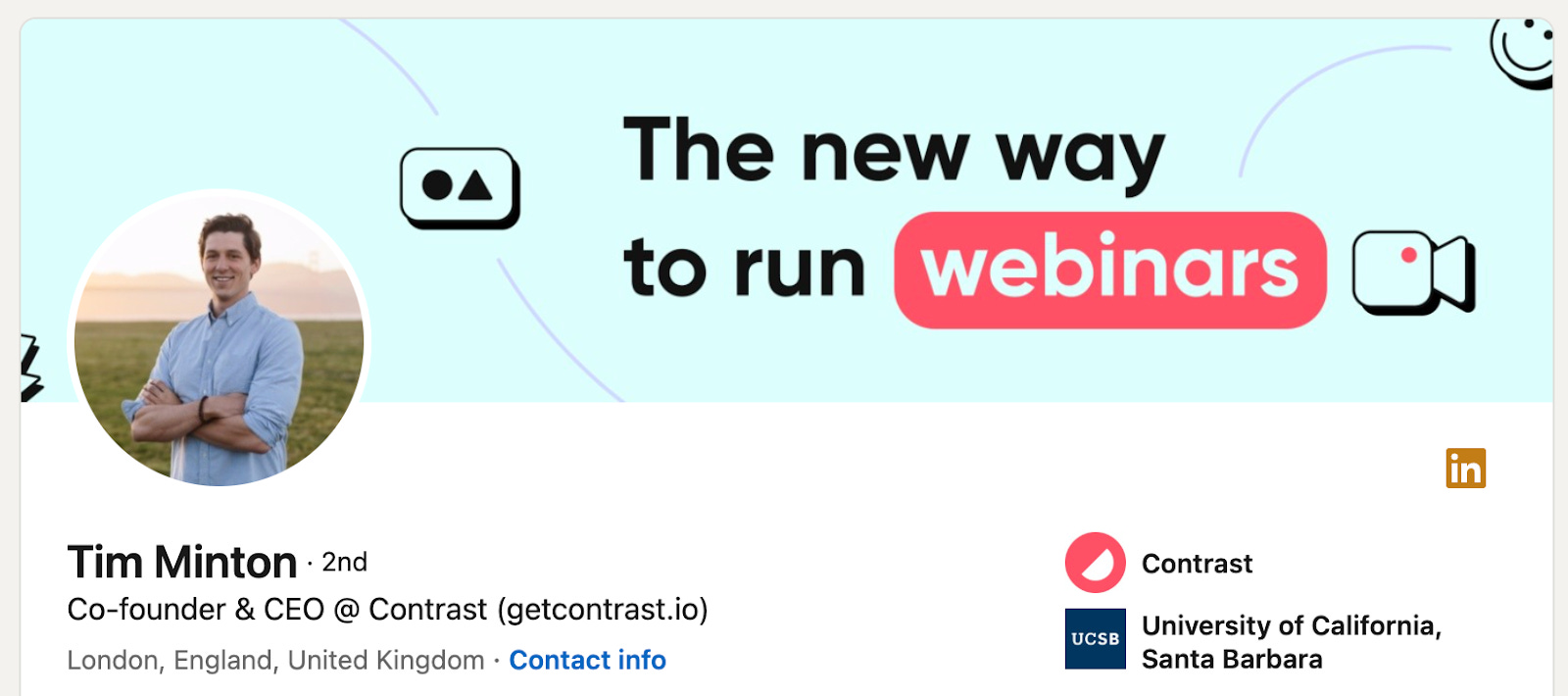
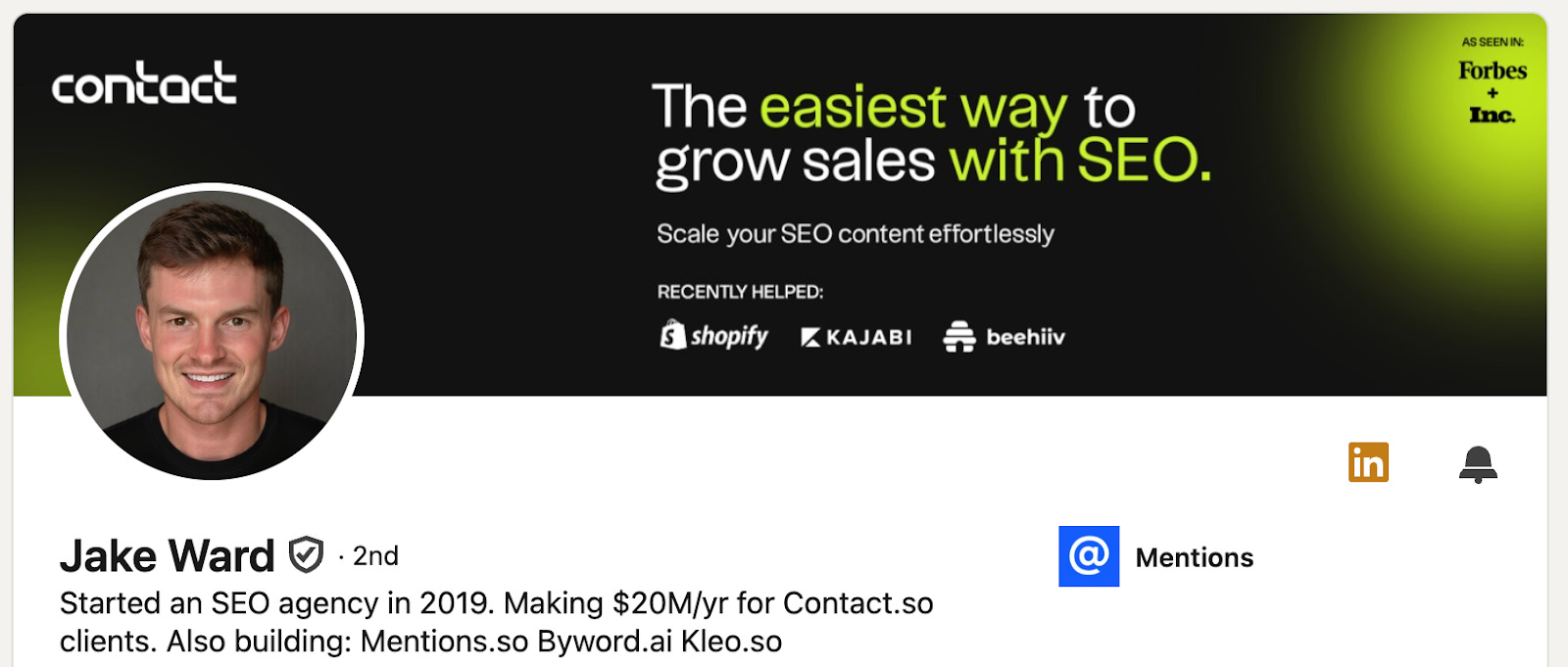
It’s the perfect place to place your 1-sentence value proposition.
Great banner includes:
✅ What you do (product category / use case)
✅ For whom (your ICP)
✅ Social proof (reviews, number of clients…)
and optionally also a CTA.
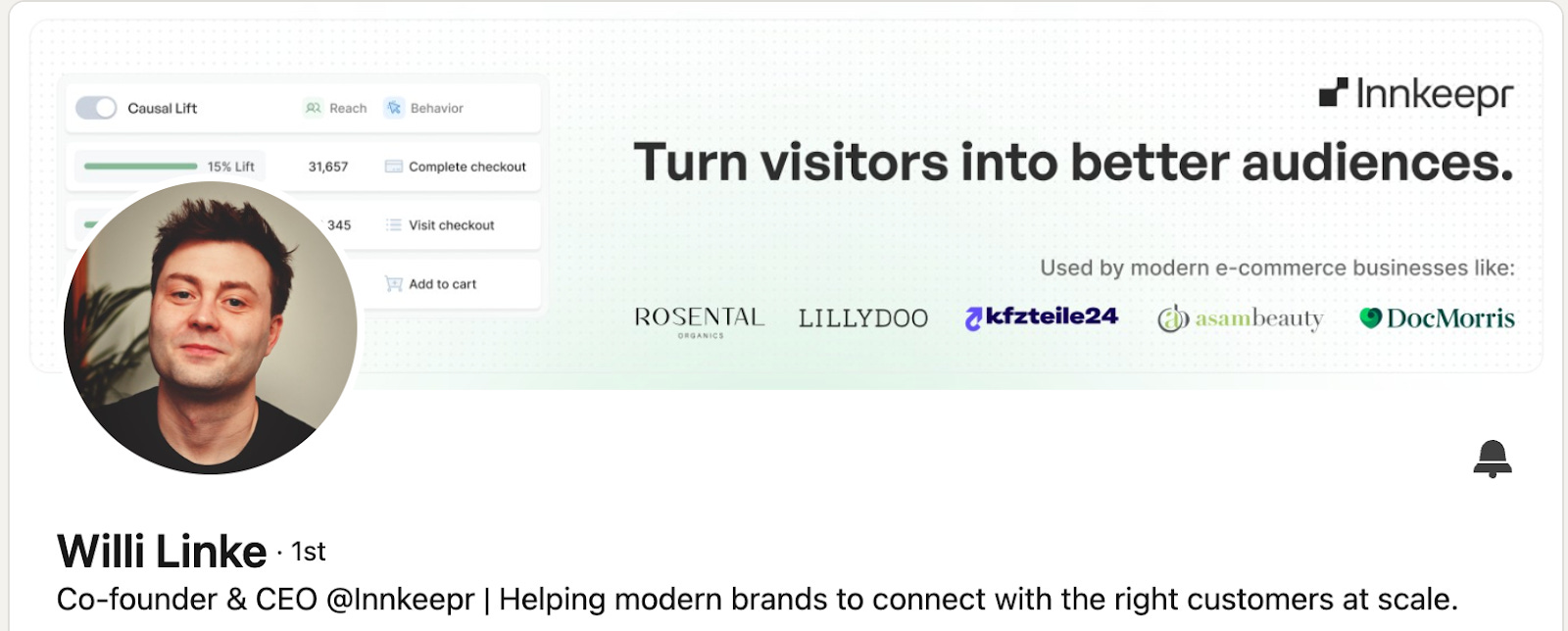
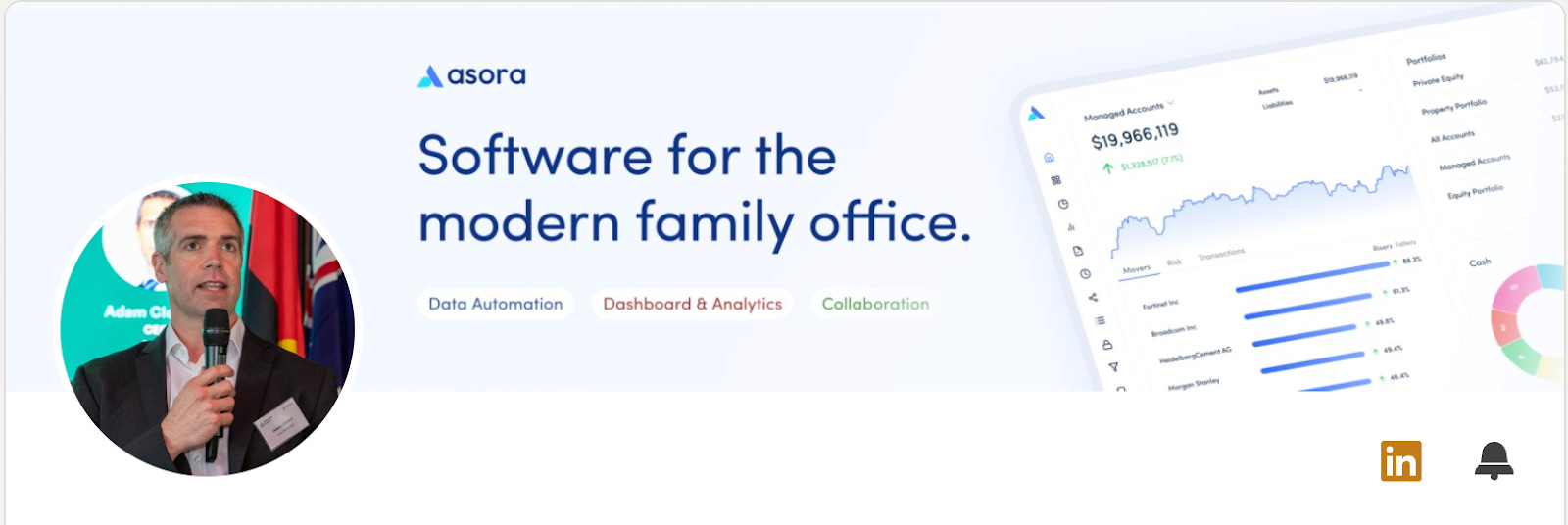
Let’s have a look at some great banners 👇

Headline
Don’t re-invent the wheel. We recommend using one of the following templates
[Your role] @ [Company name] / We help [ICP] to do [usecase] without [problem]
[Your role] @ [Company name] / I help [ICP] achieve [result] by [what you do]
[Your role] @ [Company name] / The [product category) for [ICP]
[Your role] @ [Company name] / [Outcome] for [ICP] made simple
We fix [pain point] so you can focus on [desired state] / [Role) @ [Company]
[Problem + Solution] / [Your role] at [Company name]
Featured Section
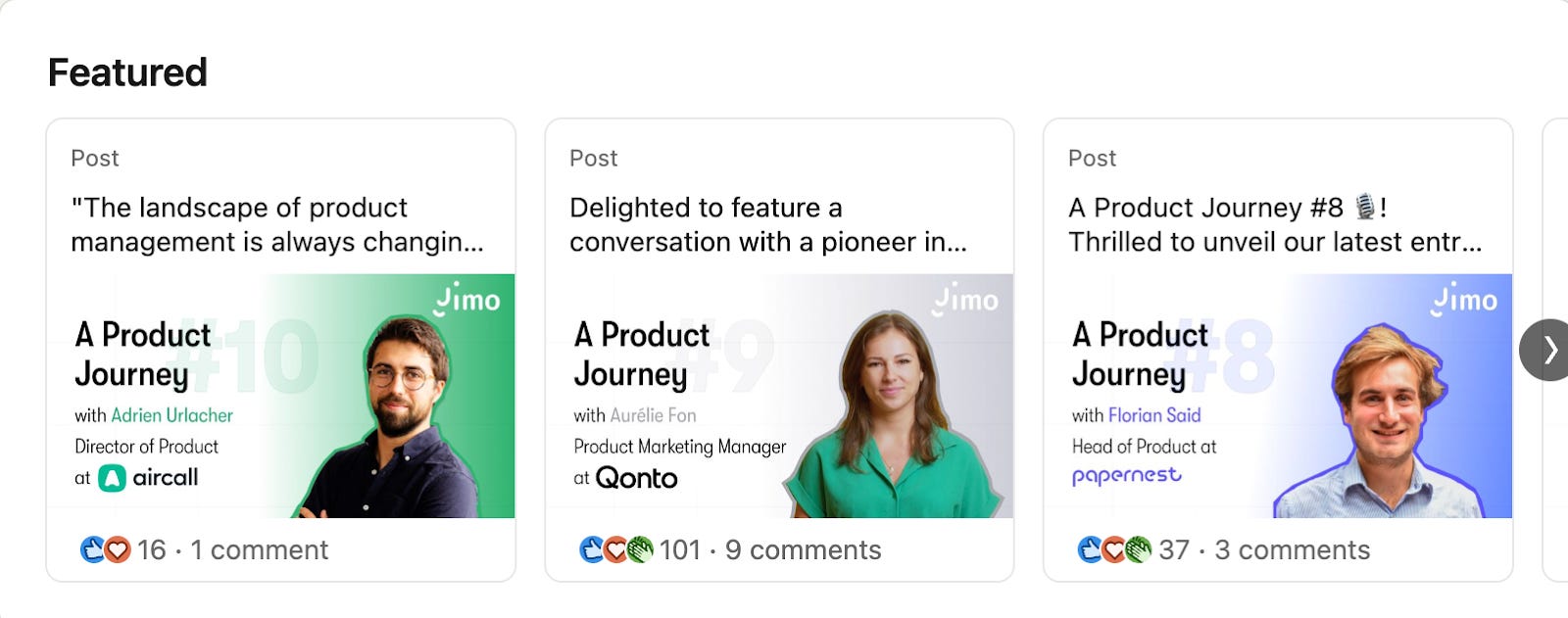
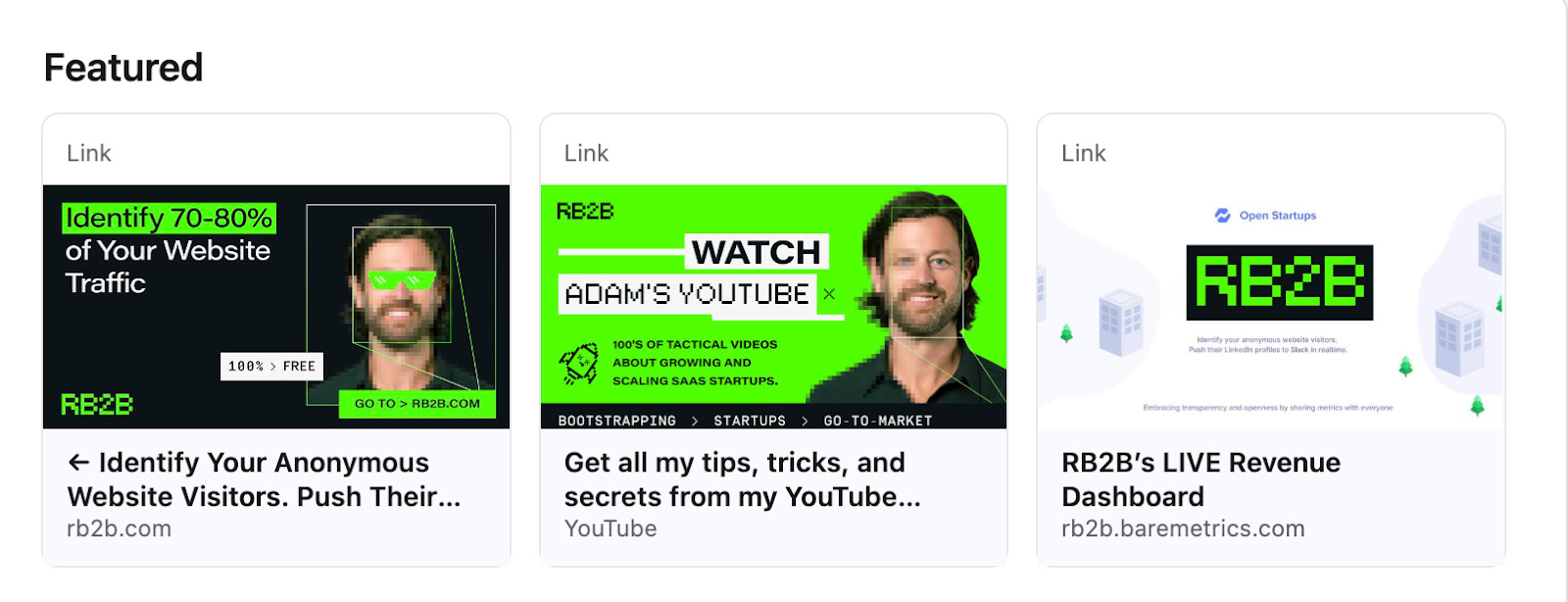
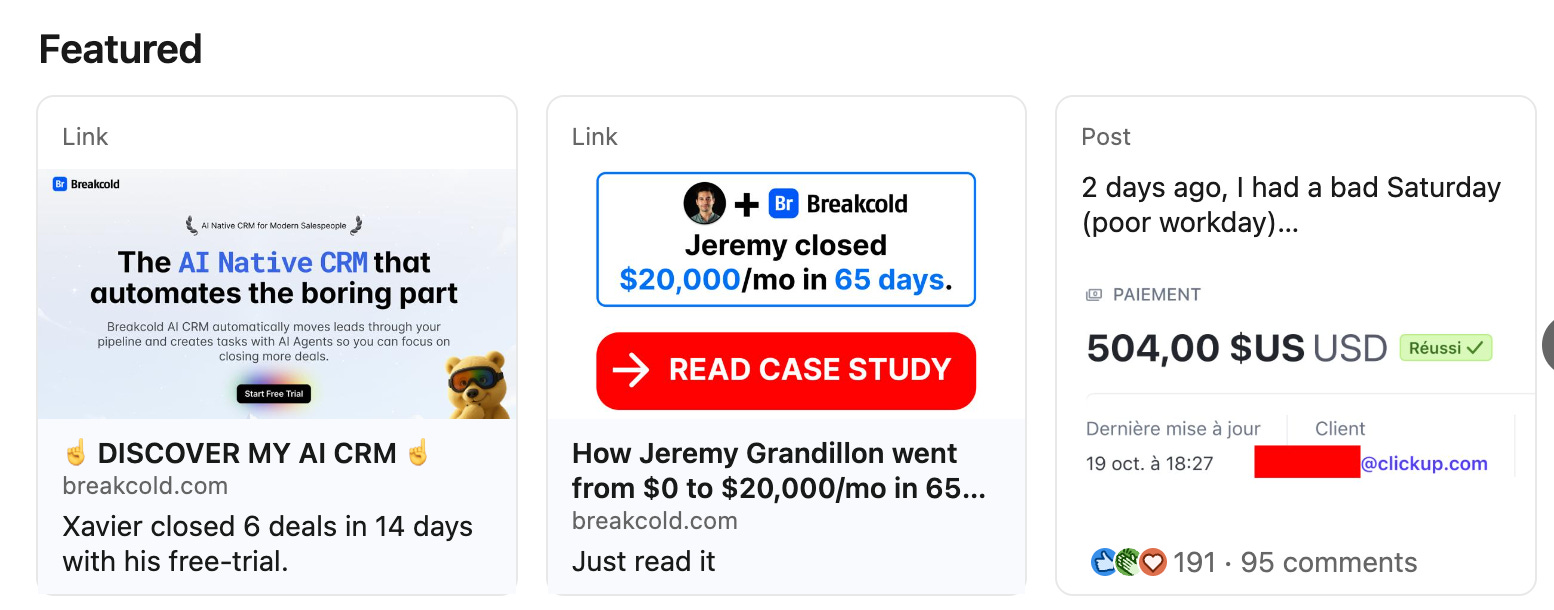
The featured section is the perfect place to add your CTAs. We recommend using this section to highlight:
✅ Your case studies
✅ Your CTA (book a demo / free trial)
✅ Your lead magnets
✅ Best performing posts
Let’s have a look at some great featured sections 👇
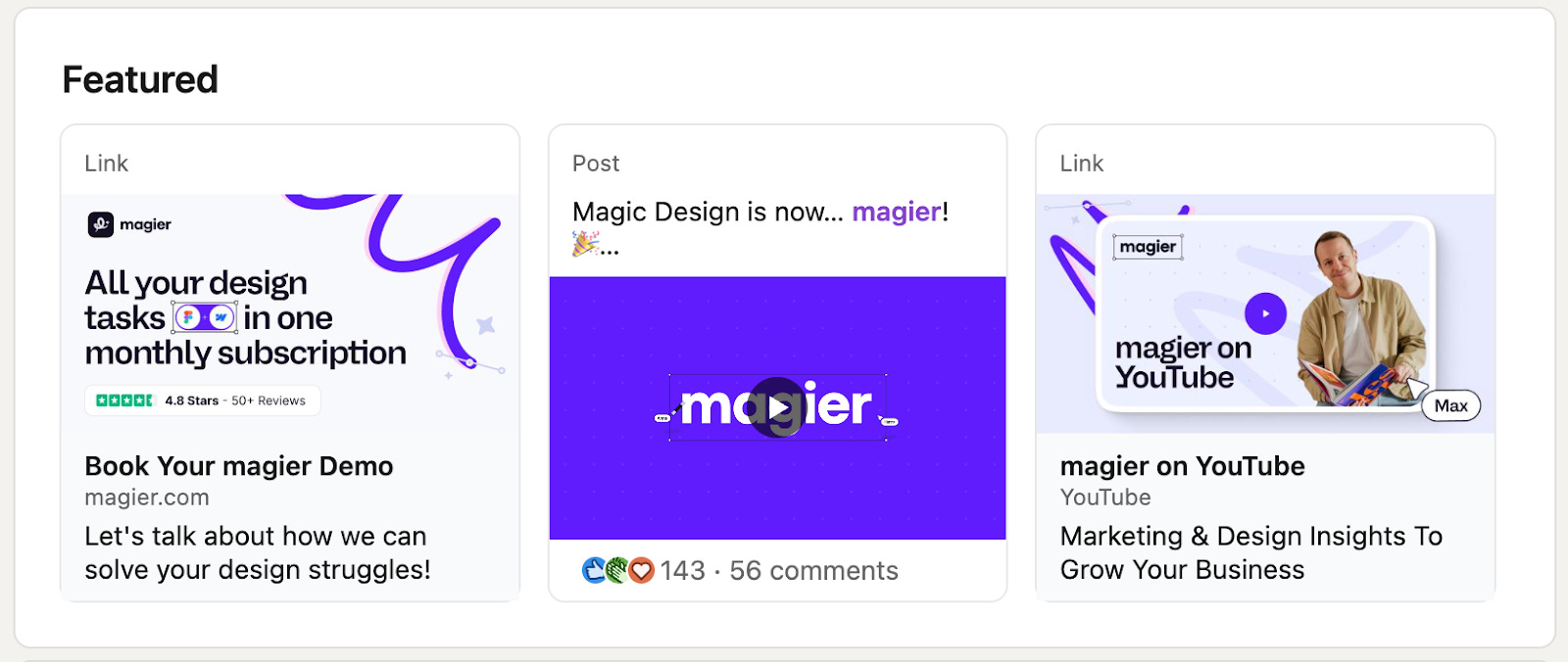
Now that we know how to make your profile better, let’s also talk about a few No-Gos - things you should not have in your profile.
6 LinkedIn No-Go’s for SaaS Founders (and why they hurt you)
❌ Talking about yourself in the third person in your About section
→ It feels unnatural and creates distance, making you less authentic and harder to trust.
❌ Using a buzzword-heavy tagline like “Disruptive AI-powered platform transforming the industry”
→ means nothing and no one understands (use our headline template above).
❌ Using AI-generated or generic stock images for your banner
→ It signals low effort and erodes credibility because it looks templated and impersonal.
❌ Leaving AI-generated comments on other people’s posts
→ They’re easy to spot, feel robotic, and hurt your personal brand more than silence would.
❌ Sending connection requests with bad personalization or direct pitches
→ Instant pitching screams automation and desperation, which kills trust (better to send a blank request).
❌ Posting once or inconsistently, then disappearing
→ Without consistency, you will see 0 results.
Next, let’s look at ways to enhance the impact of your founder brand.
How to turn employees into Thought Leaders
When the founder posts, you get reach, trust, and pipeline.
When your team posts too, you multiply distribution, diversify proof, and create a growth engine that doesn’t depend on just one person to drive results.
Your buyers don’t just want to hear from “the founder.” They want to hear from the person who designs, runs customer support, or fixes the onboarding flow.
Instead of having one loud voice, you have multiple faces representing the brand.
This does three things for you:
It builds trust.
It multiplies reach. 10 employees with 2k followers each can outperform 1 founder with 20k.
It de-risks growth. If only one person builds their personal brand and then leaves, you basically need to start from scratch. If five are building their personal brands and you are supporting every new joiner in starting on LinkedIn, it becomes a growth channel.
In this section, we’ll show how to make that happen without begging people to post.
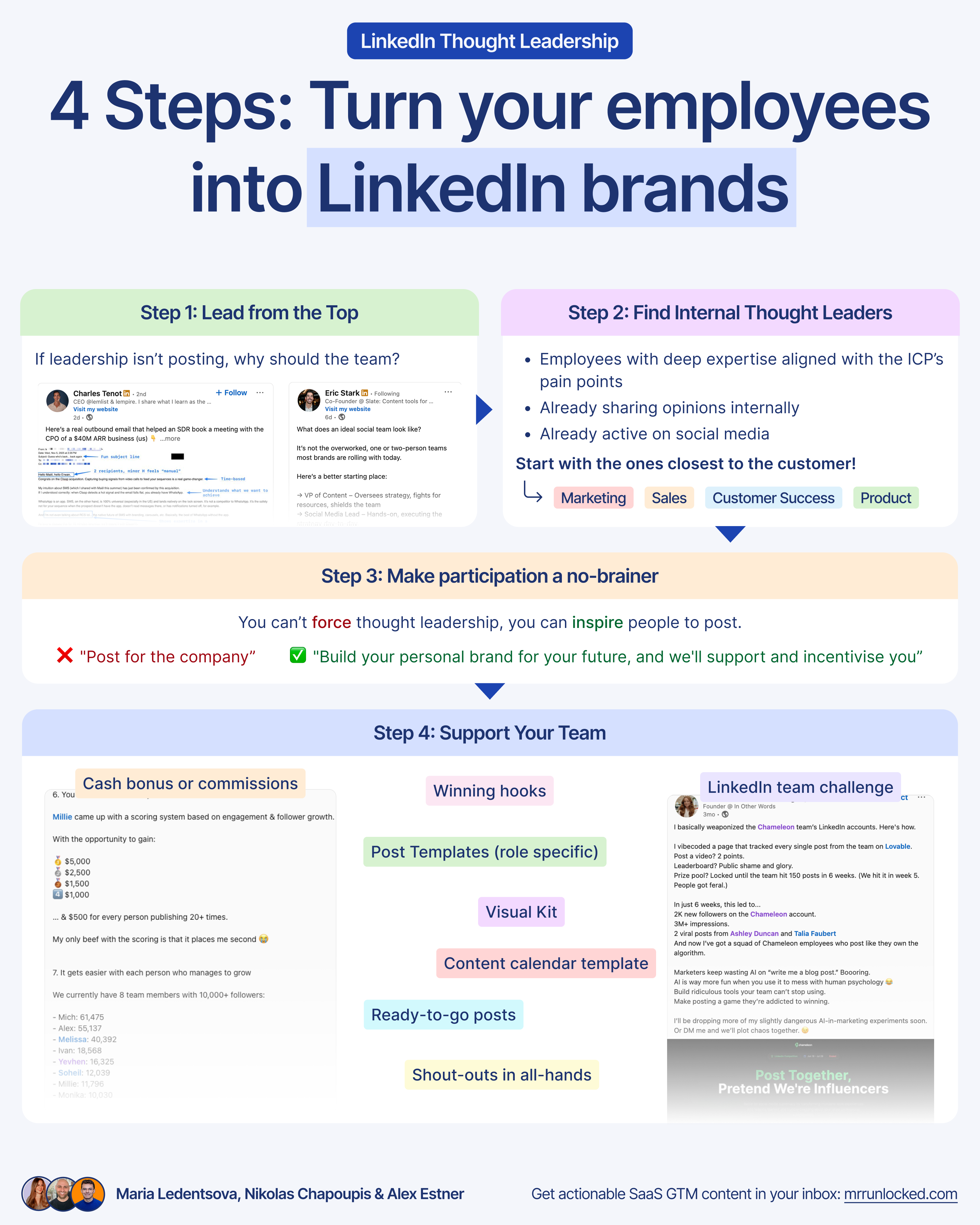
Step 1: Lead from the Top
If leadership isn’t posting, why should the team?
It’s hard to convince a team to share ideas publicly if the founders and team leads aren’t doing it themselves. It sets the tone and makes participation feel safe.
Once the leadership team has posted consistently for a month or two, you can start engaging the others.
Step 2: Find Internal Thought Leaders
Observe who in the company is opinionated and active in the Slack/Teams channels, or who is already active on Social Media. It will be easier to get these people on board next.
Look for people who are:
Employees with deep expertise that aligns with your ICP’s pain points (Subject Matter Experts)
People who are already active on social media and comfortable sharing ideas.
Already sharing opinions internally (Slack, meetings, Looms…)
Good communicators: They can explain things clearly and with passion
Start with the departments that are closest to the customer.
These teams are naturally closest to communication and content:
Marketing → already creating and sharing content.
Sales → connected to prospects in active deal cycles.
Customer Success (CS) → in direct contact with customers.
Product → shaping product roadmap through customer feedback
Step 3: Make participation a no-brainer for the team
“Post for the company” is a big ask if there’s nothing else in it for them.
“Build your personal brand for your future, and we’ll support and incentivise you” is a much stronger offer.
You can’t force thought leadership, but you can inspire people to post.
What’s in it for them?
Industry visibility, inbound opportunities, and more leverage.
Don’t be afraid of your employees becoming more valuable in the market. That’s a good thing.
“The only thing worse than training your employees and having them leave is not training them and having them stay.” - Henry Ford
Step 4: Support Your Team (9 tactics to remove friction)
Most employees don’t post because they don’t know what to say. Starting from a blank page when you’re new to LinkedIn is intimidating.
Give employees something worth sharing. People post when they’re proud of what’s happening internally. Be it announcements, valuable lead magnets, challenges, events, new features, and more.
To make starting as easy as possible for the team, here are 9 tactics you can do:
#1 Create and share a content calendar template
Anything from Excel to Google Docs works, but we recommend Notion because it’s very customisable and flexible.
#2 Ready-to-go posts, aka Master Content Database
A library of “ready” posts, including copy and visuals, designed in the company branding. Case Studies, carousels, lead magnets, upcoming company announcements, etc. Posts anyone could post, regardless of role.
#3 Post Templates
10 role-specific (sales, marketing, design, customer success, product) post templates anyone can personalise in 10-15 minutes with examples.
#4 Share Winning Hooks and Resources
Analyze the performance of the posts and share internally the best performers, especially winning hooks.
#5 Visual kit
Create branded Canva or Figma templates and share them with the entire team. Your team may decide to have their own visual style on LinkedIn, but you also want to support them if they want to use the company branding, which is even better for awareness and trust building for the company. It’s up to the employees what to choose.
#6 Living FAQ Document
Have an FAQ page somewhere with guidelines, what’s not ok to share, address common challenges, and explain how to deal with potential leads.
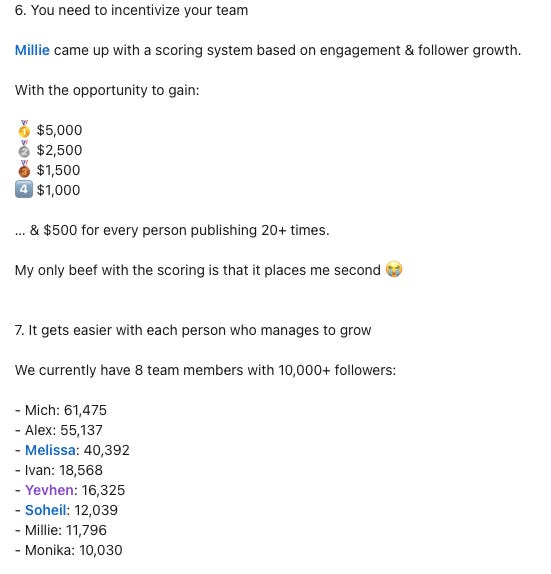
#7 Cash bonuses or commissions if posts help close new deals
You might even want to add monetary incentives.
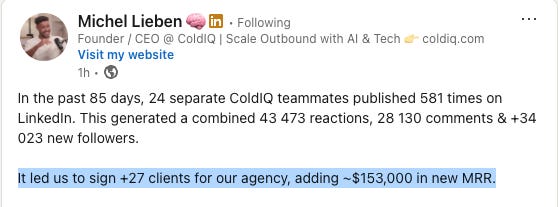
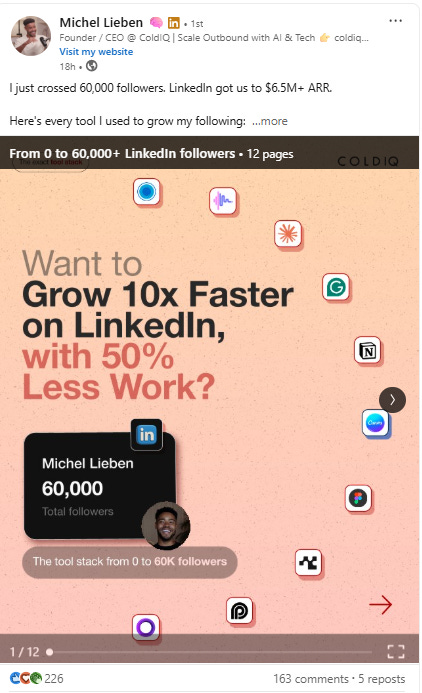
ColdIQ incentivizes its team with a cash bonus.
#8 Run a LinkedIn challenge
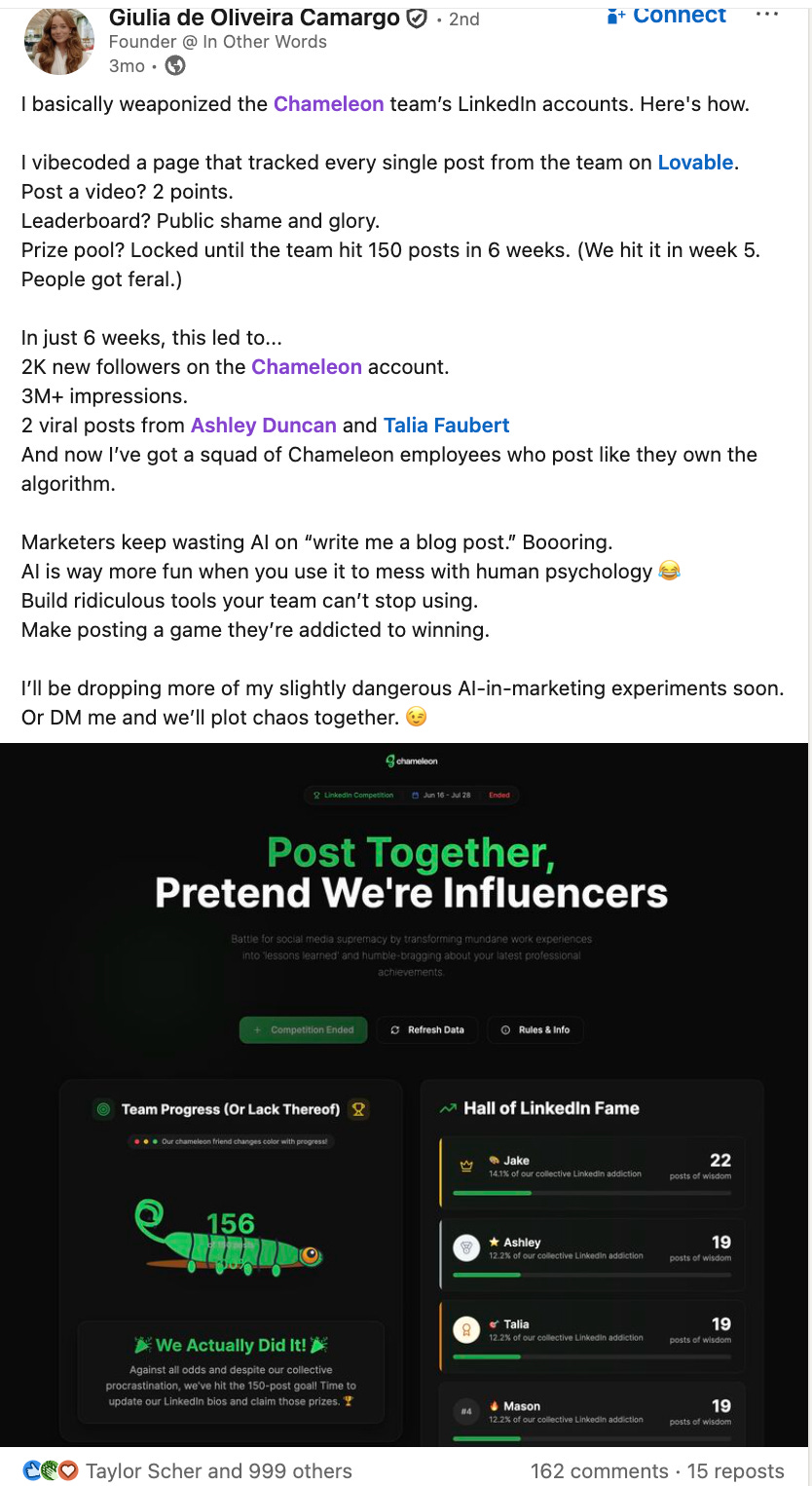
Consider creating an internal leaderboard to track impressions, engagement, and follower growth.
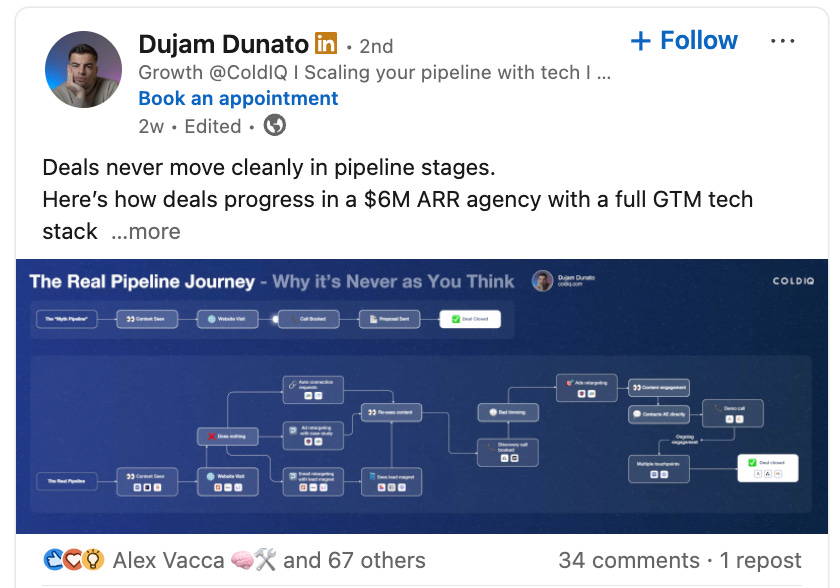
Magier, Storyarb, ColdIQ and Chameleon all hosted LinkedIn challenges.
Giulia from Chameleon even built a dashboard in Lovable to track employee post amounts and motivate people to post more (or you can use SocialKit)
#9 Use All Hands for shout-outs
Mention the leads and clients LinkedIn is bringing. When a post gets you a client or lead, talk about it. Highlight that LinkedIn drives pipeline.
For example, at every all-hands, Storylane thanks employees who post on LinkedIn and ends with a call to action encouraging others to share.
Done-for-you” service
Of course, you can also get external help and decide to get a “done-for-you” service.
Here are a few people/companies who can help you:
We asked Finn Thormeier to share his best tip after working with 50 founders and execs on their brand and interviewing over 100 of the top LinkedIn creators
“I’m more convinced than ever: The people who do really, really well don’t focus on hacks or tricks, they focus on the fundamentals.”
What are the fundamentals?
Try to add value
Engage with others on the platform
Be yourself
Keep showing up
People overfocus on hacks. What time to post. Whether they should attach a carousel or a video or an image file. Over-engineered hooks. Whether the link should be in the comments or in the post copy. Automation.
Sure, those can have an impact. But when I talk to people who *actually* built an audience of 10,000 or 100,000 followers, they focus on the above 4 things.
Try to add value
Ask yourself
Would you want to read this yourself?
Can someone actually do something with this information?
If someone paid you $1,000/hour for your advice, is this what you would tell them
Why would a busy person who doesn’t know you invest 5 minutes reading what you have to say?
Value also comes in the form of entertainment, but you actually gotta be funny.
Engage with others
Actually, reply to your comments. Reach out to people. And especially, write at least 2-3 comments on *other* people's content every day. Something thoughtful. A question. Your own 2 cents. Disagreeing but explaining why.
Be yourself
Some people are really funny. Some people are amazing on video. Some are super analytical and break down a complex topic in great detail. Some have incredible stories to share. Some have access to proprietary data they can visualize. Some people write with typos and swear. Or have a weird sense of humor. Lean into your uniqueness/quirkiness.
Keep showing up
This is like the gym. You’re gonna do this forever. Once a month is not enough. Show up multiple times a week, maybe daily. Post multiple times a week. Write comments almost every day. You can take a break every now and then, but it’s a marathon. Gotta show up week after week, month after month
—
Now that you have your infrastructure set up, let’s look at how to set up your content engine.
How to set up your content engine
The most effective way to make LinkedIn a relevant growth channel for you is by writing content that serves all 3 stages of the marketing funnel - from first discovering your brand to becoming a customer.
It’s divided into three stages:
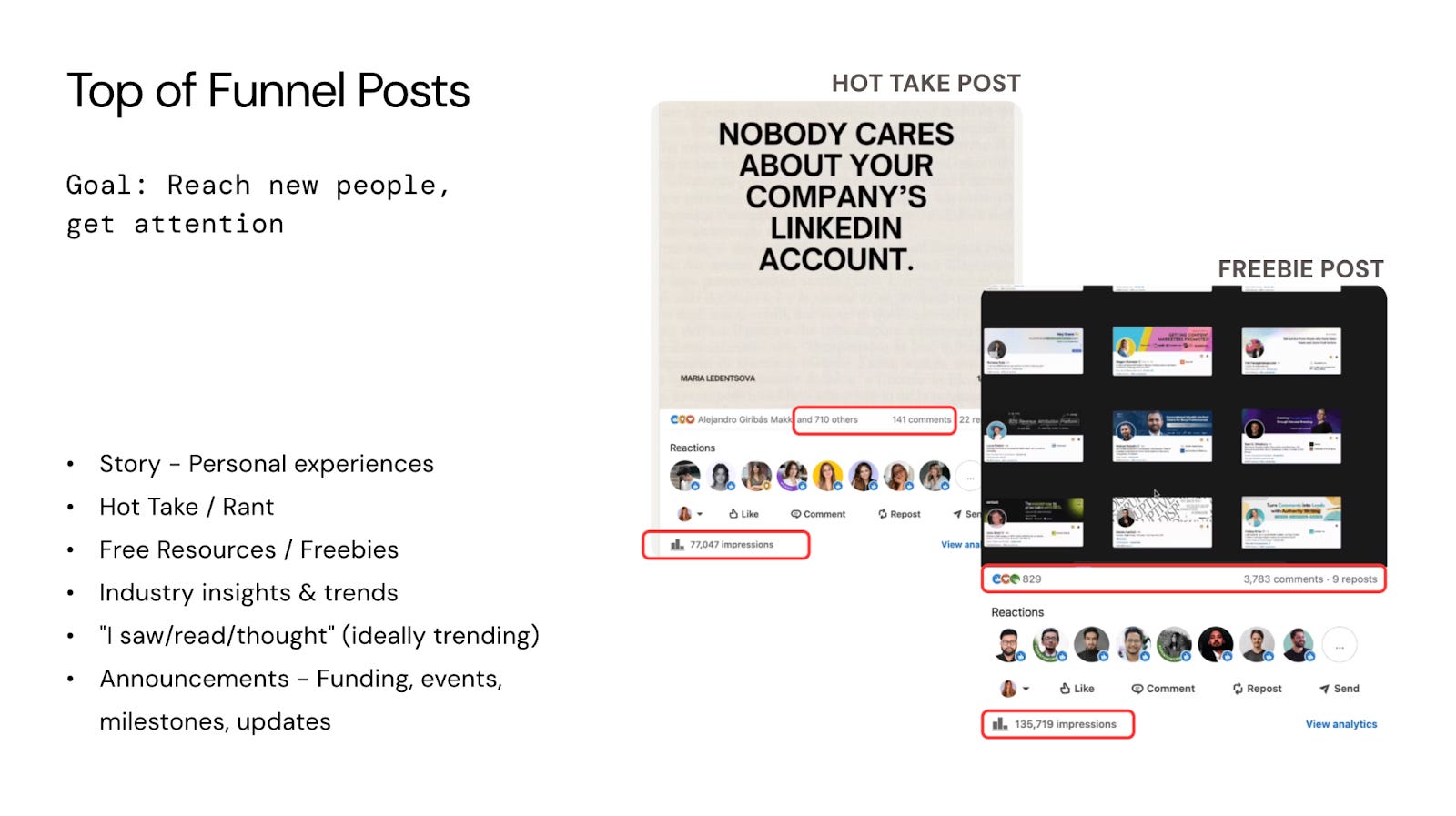
Stage 1: TOFU (Top of Funnel)
This is where people first encounter your brand. They’re not ready to buy yet; they’re just getting to know you. Content here should be a bit broader to attract attention and build awareness.
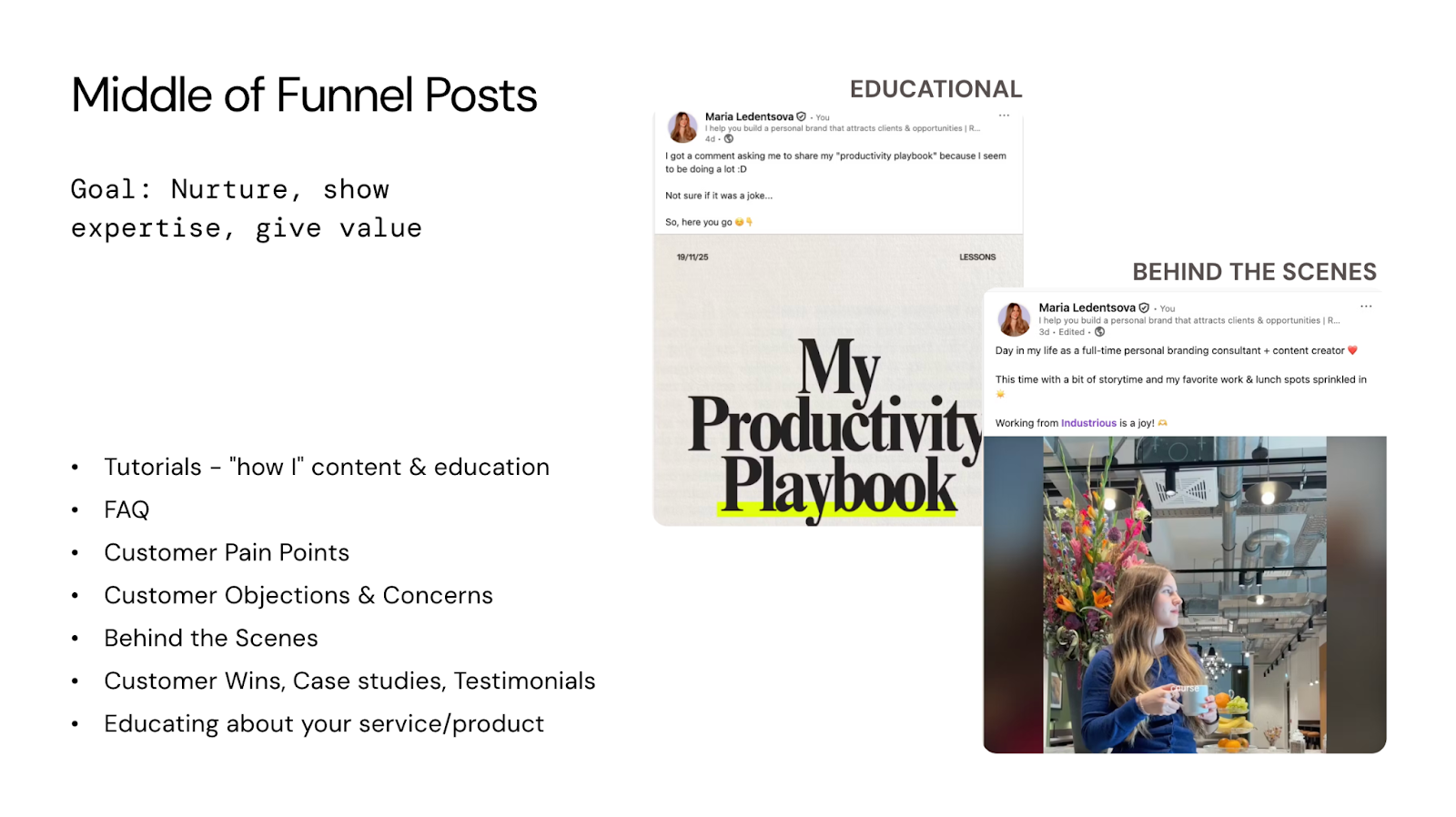
Stage 2: MOFU (Middle of Funnel)
At this stage, people are evaluating whether you can solve their problem. They want to see your expertise, understand your approach, and build trust. Content here should demonstrate your knowledge and show how you work and who you are.
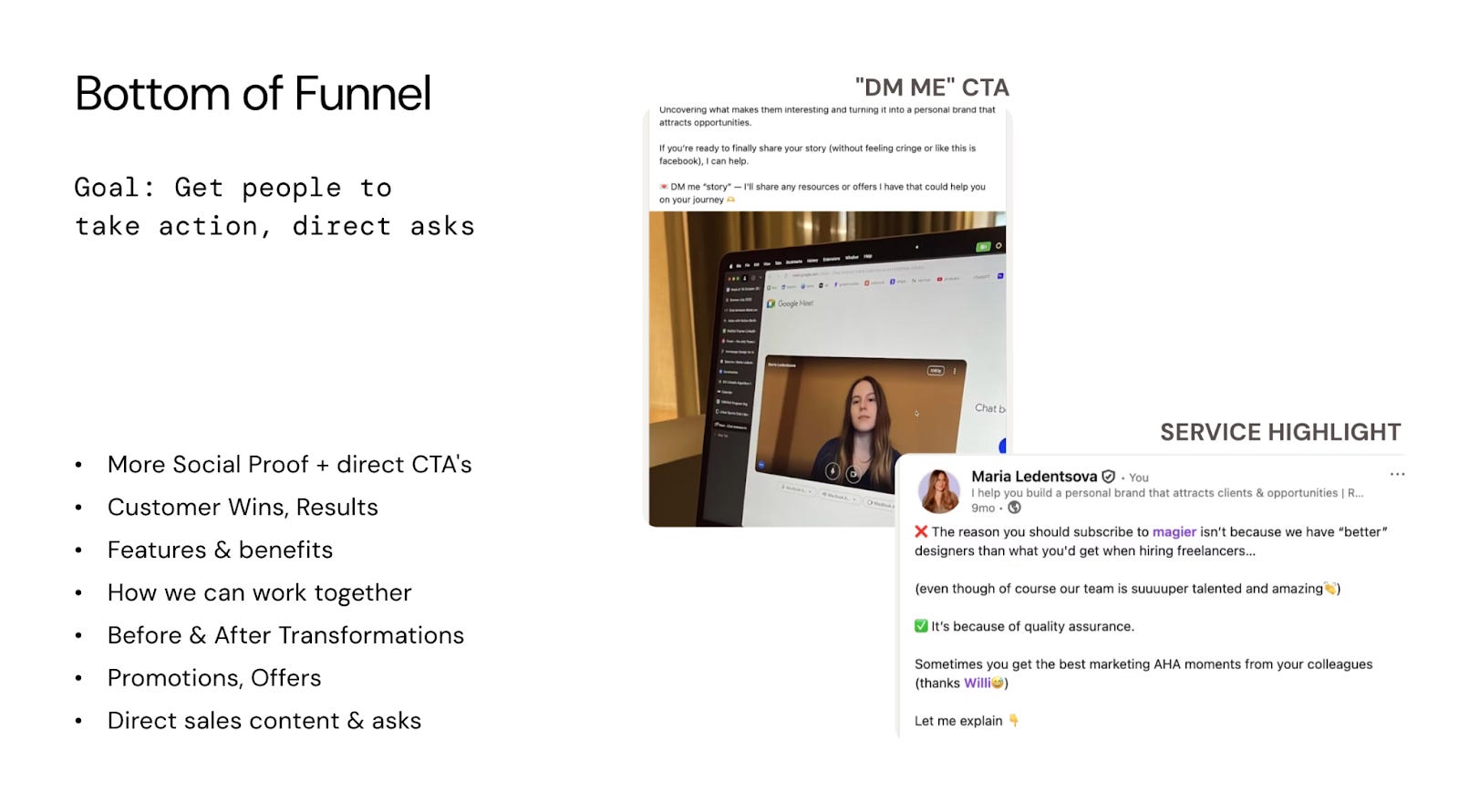
Stage 3: BOFU (Bottom of Funnel)
People are ready to make a decision. They need proof that you deliver results and clear calls to action. Content here should showcase outcomes, social proof, and clear next steps to work with you.
Balancing all three stages ensures you’re constantly attracting new people, building credibility with those who are considering you, and converting those ready to take action.
Practical advice: Aim to post at least 1x TOFU, 1x MOFU, and 1x BOFU post per week.
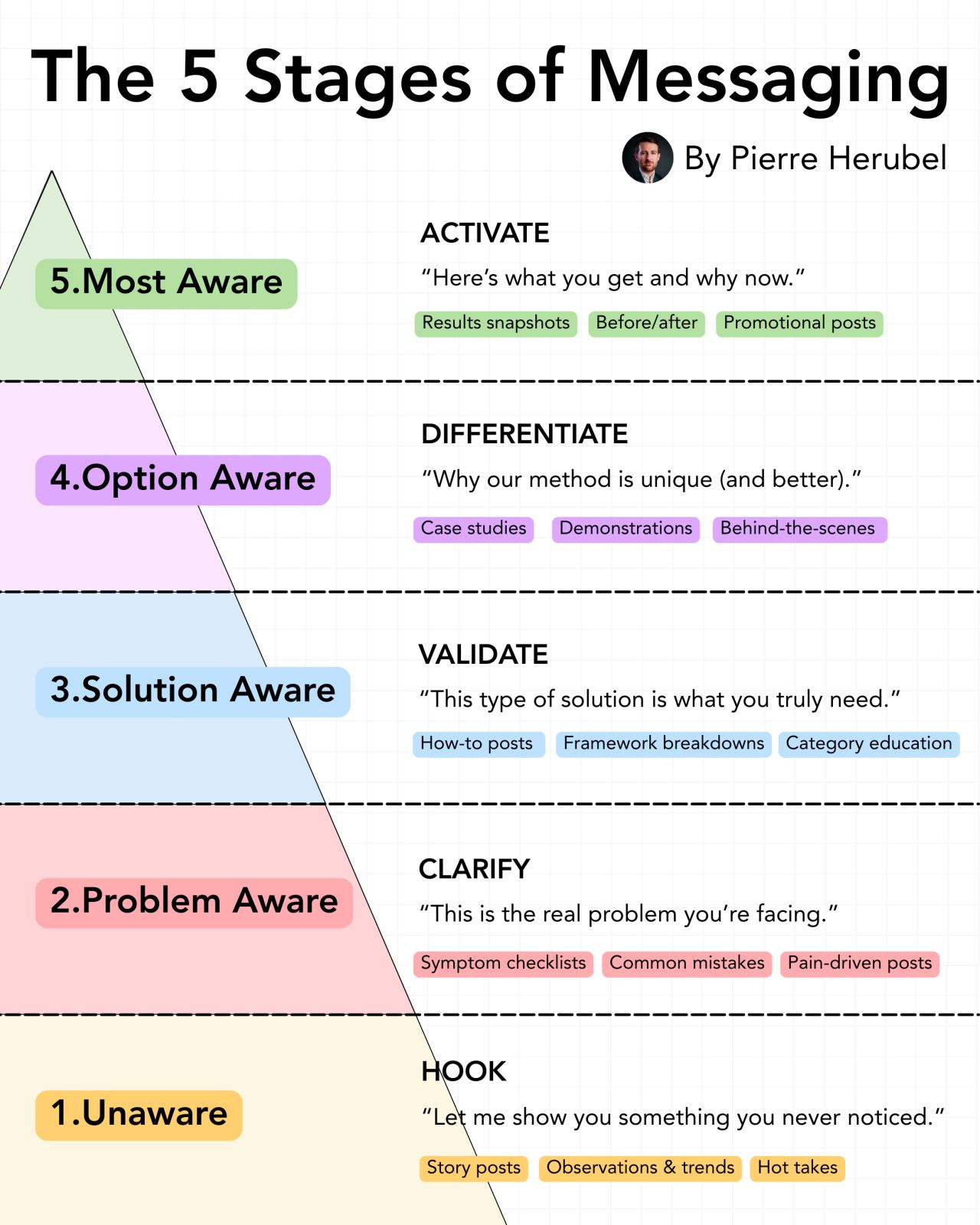
Instead of BOFU, MOFU, TOFU, you can also work with the different awareness stages, from unaware to most aware (aka product aware).
Now that you know how to turn your employees into LinkedIn Thought Leaders, we wanted to share with you some good examples for inspiration.
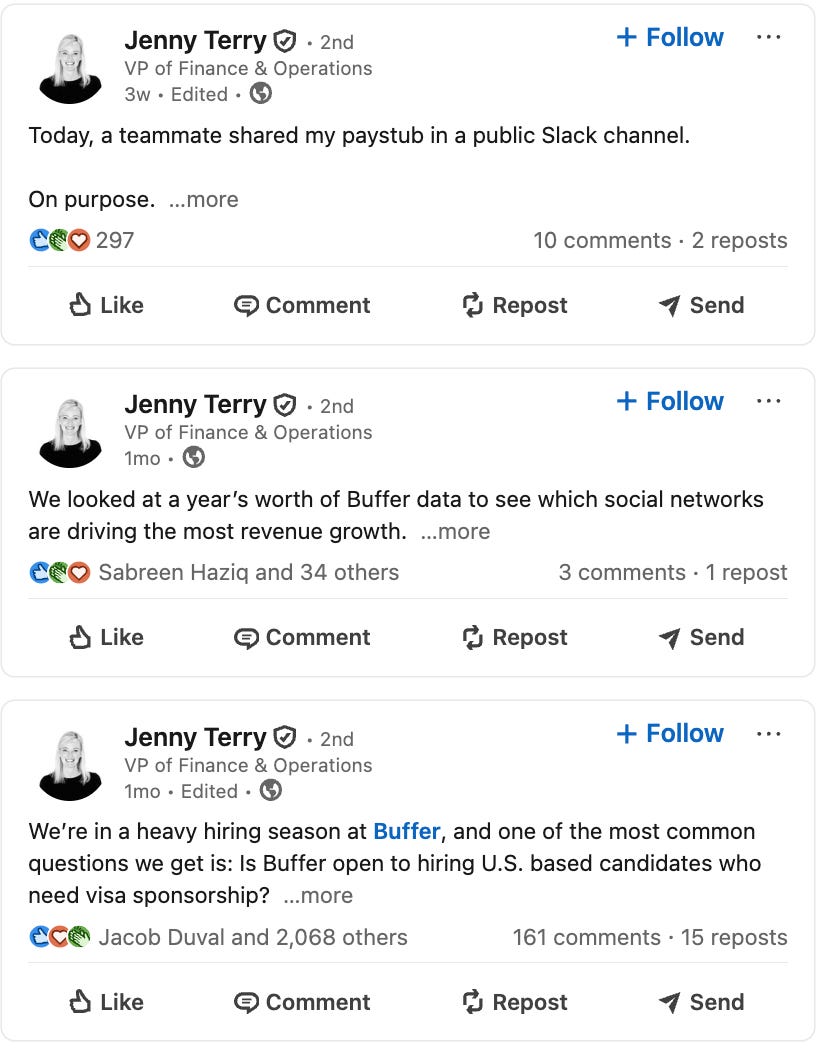
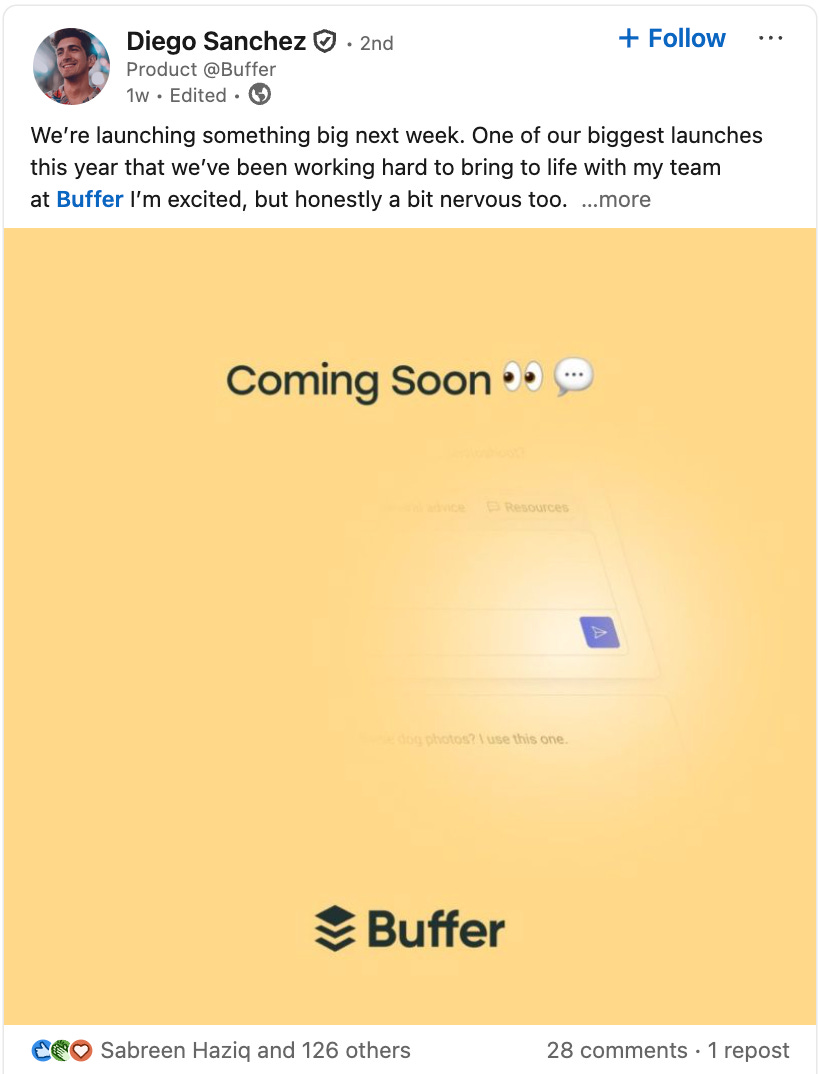
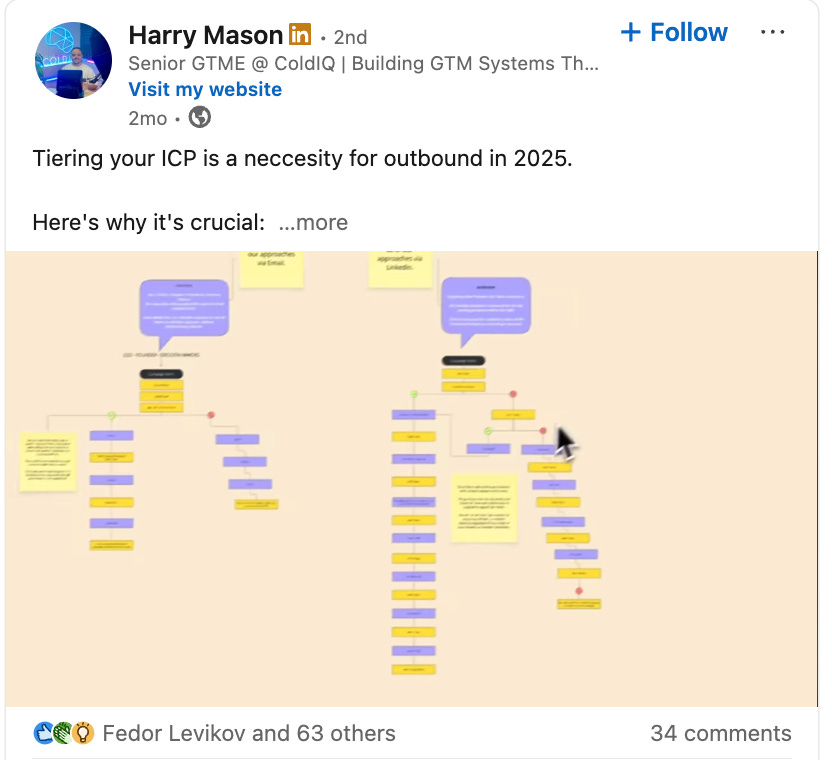
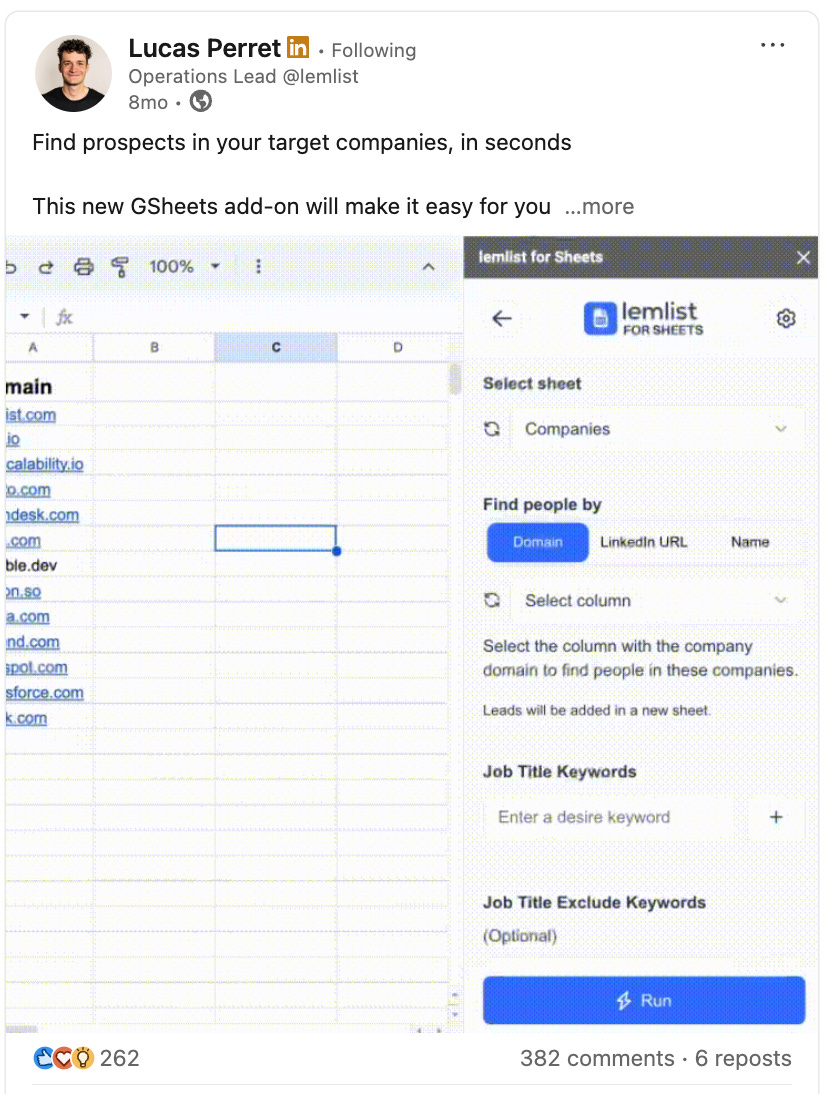
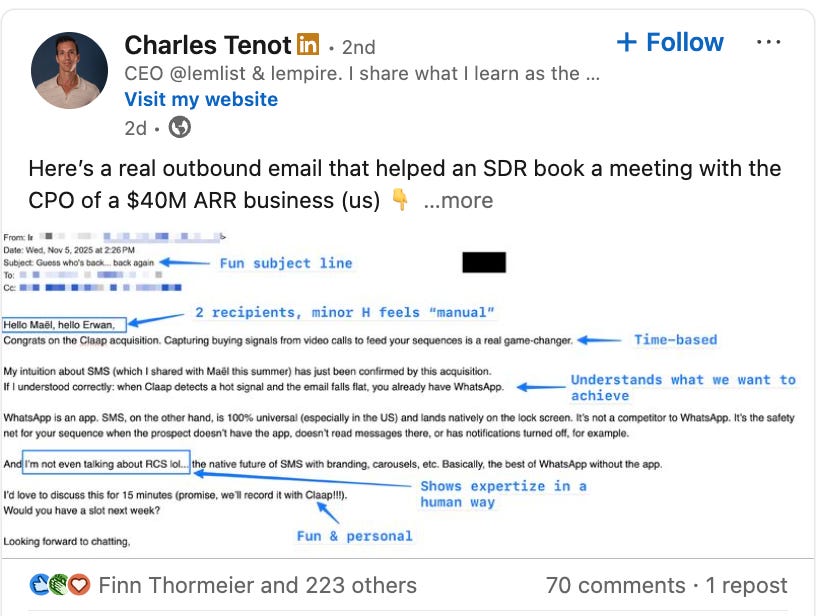
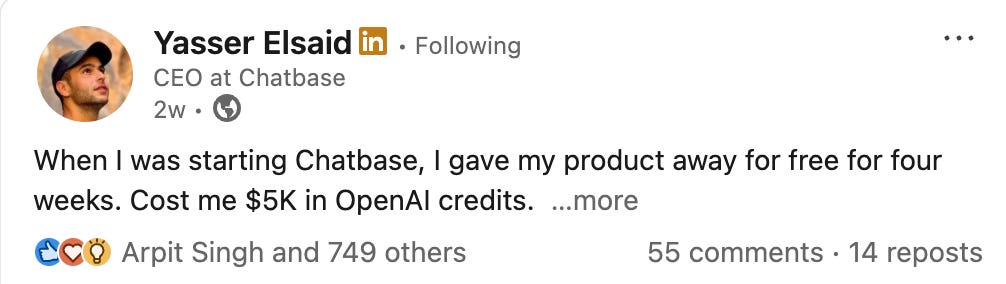
Collection of 10 teams (founder & employees) using LinkedIn to drive pipeline
Buffer
ColdIQ
Lemlist
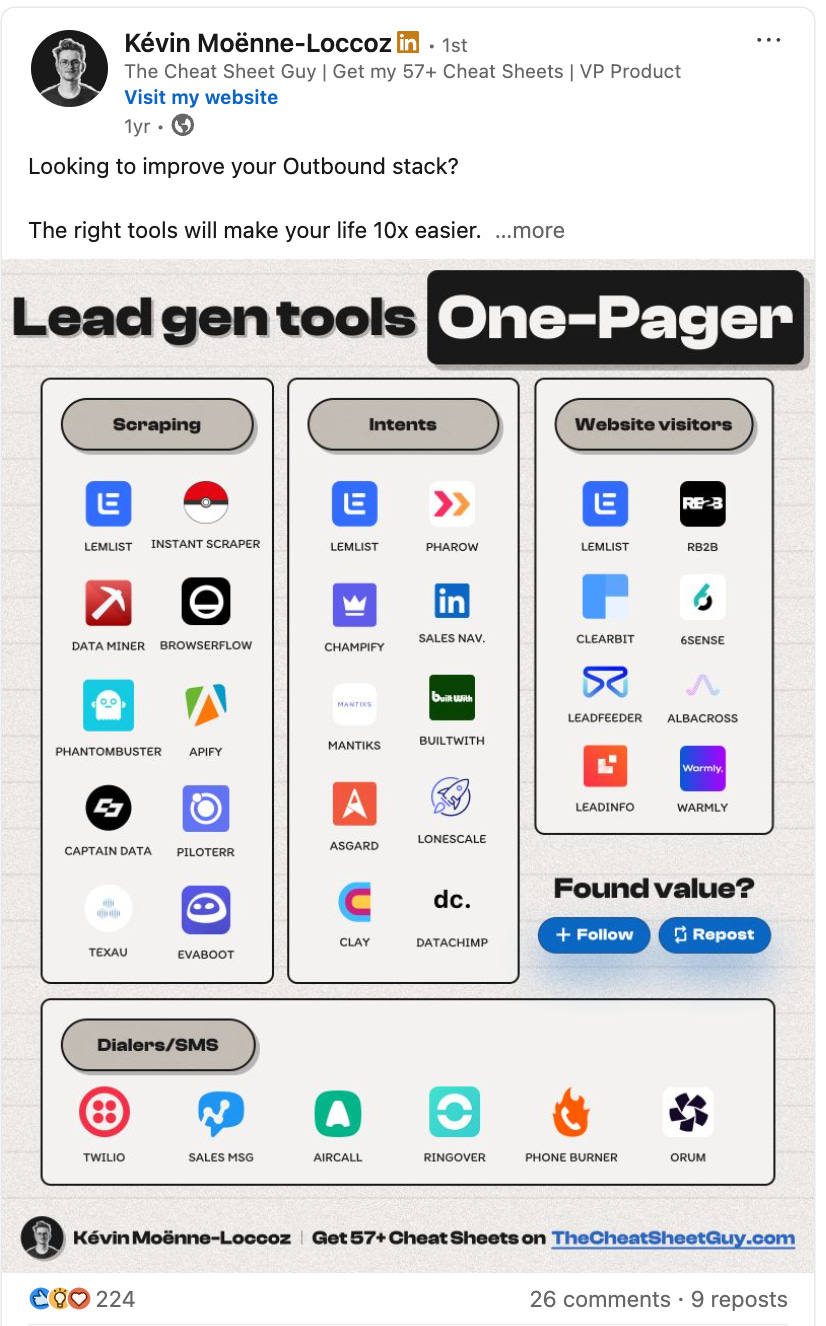
Chilipiper
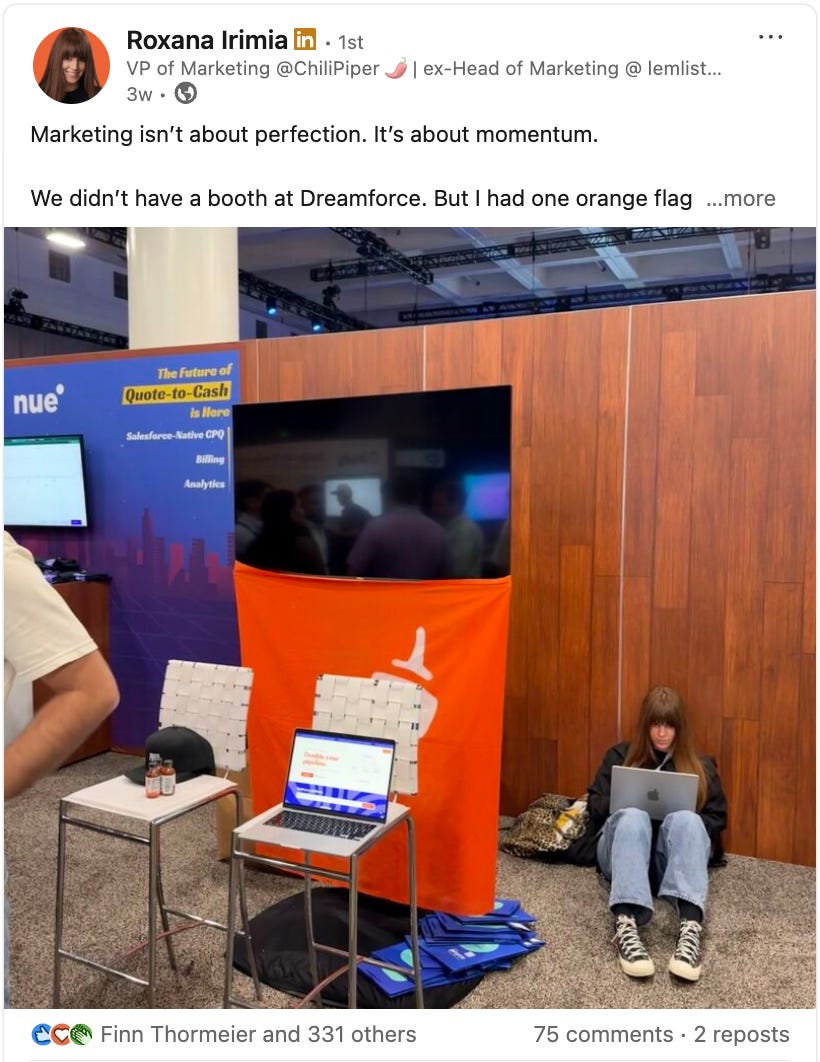
Chameleon
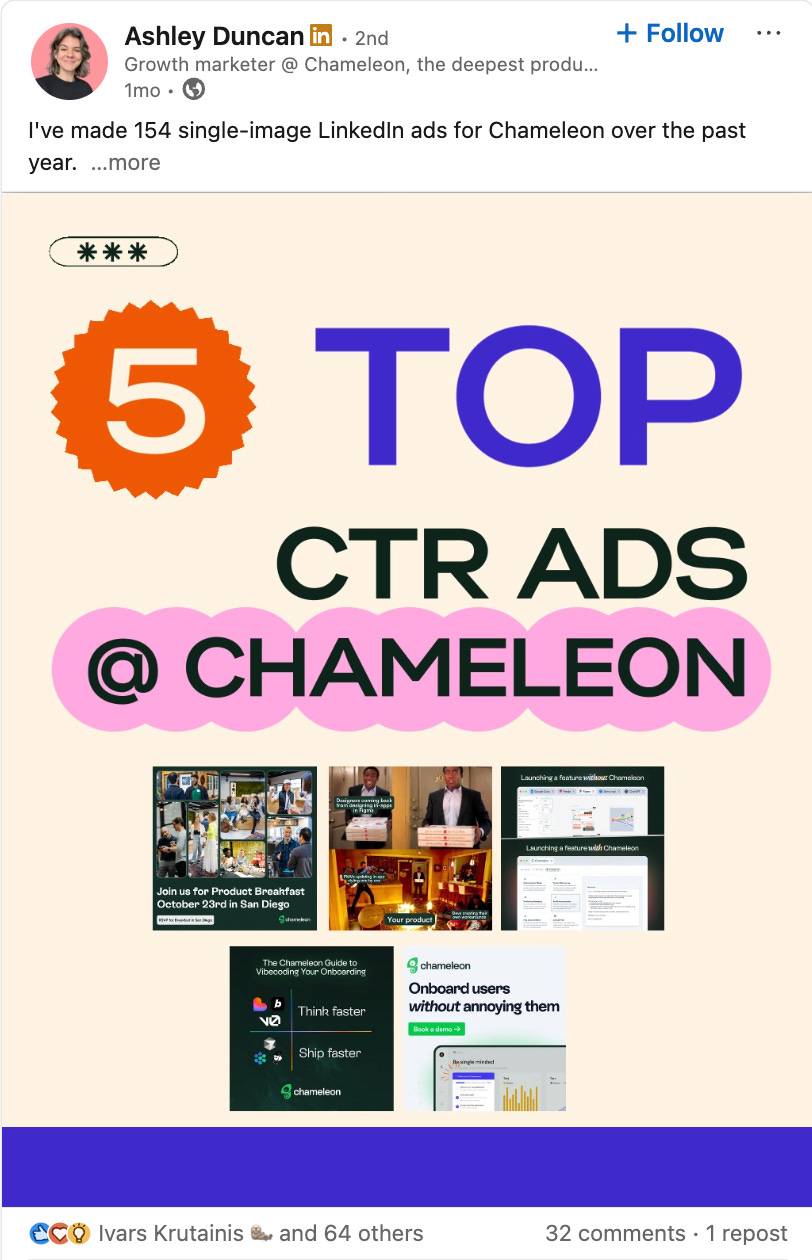
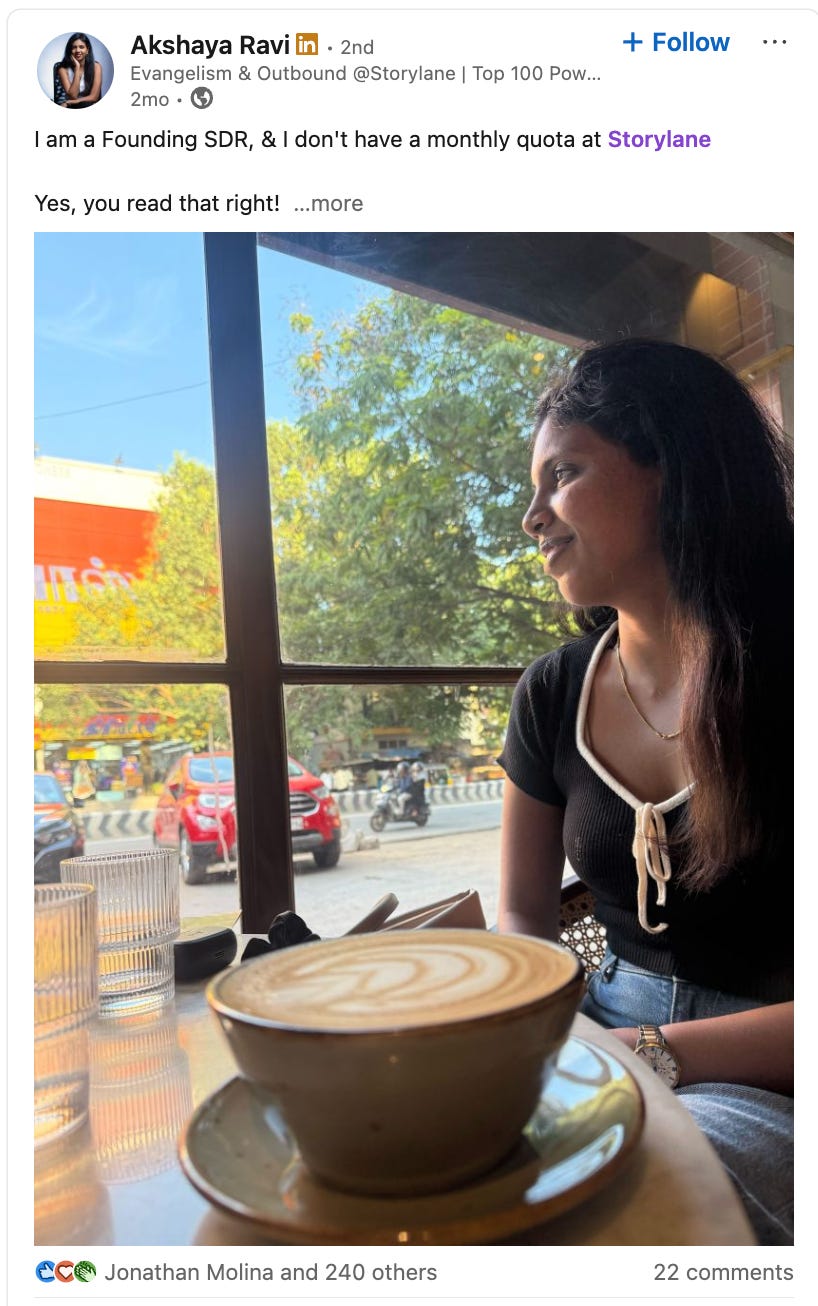
Storylane
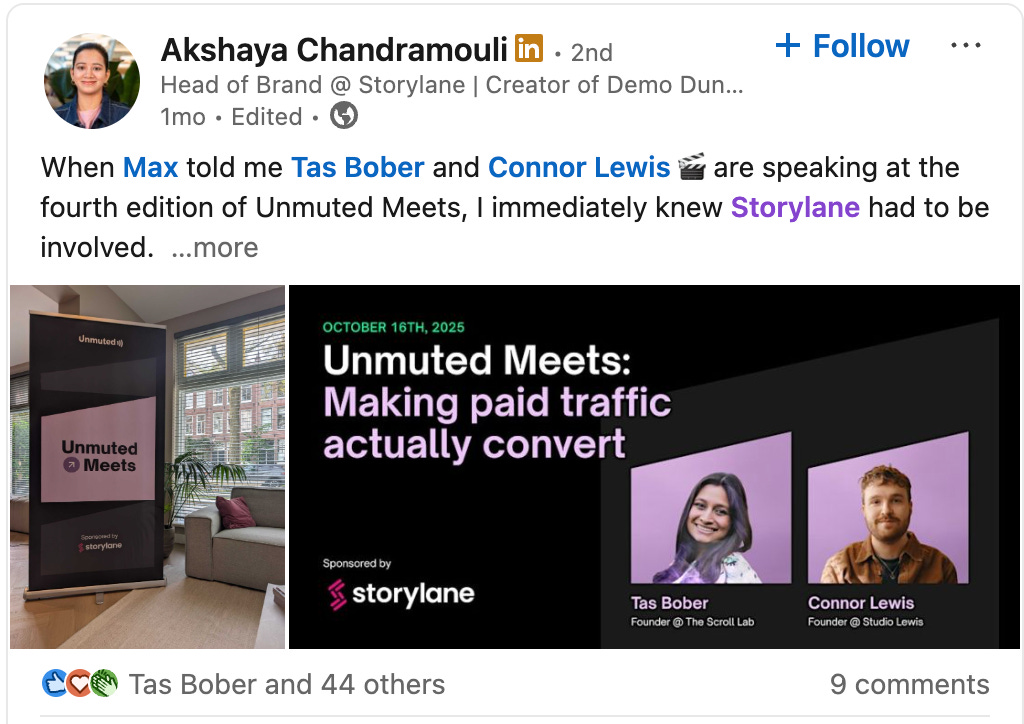
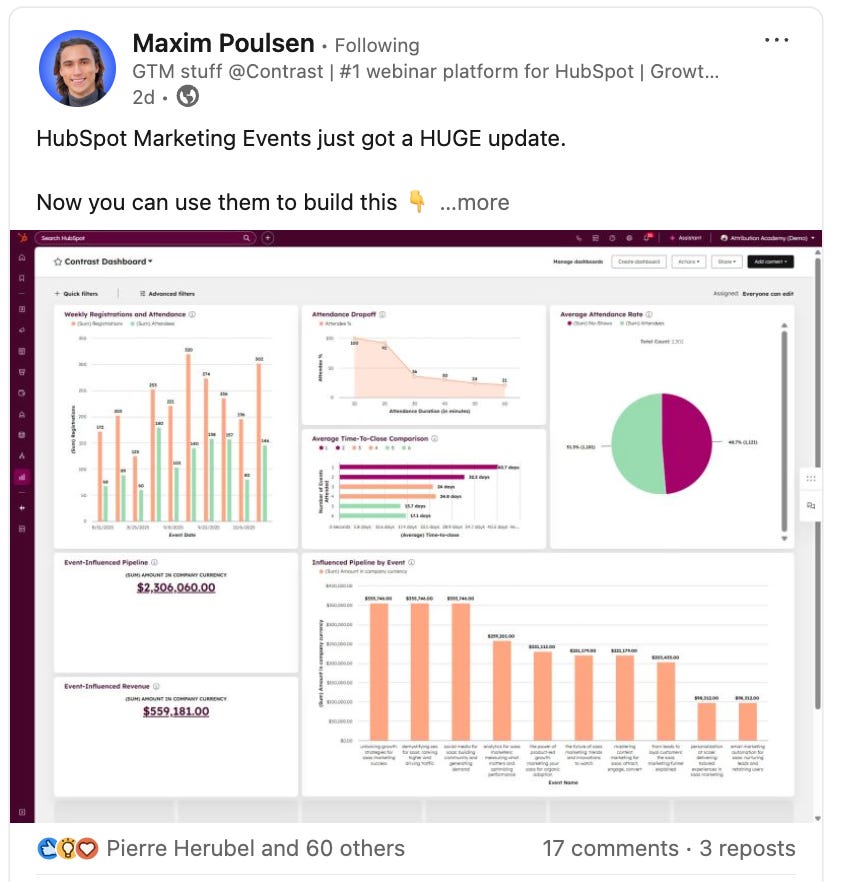
Contrast
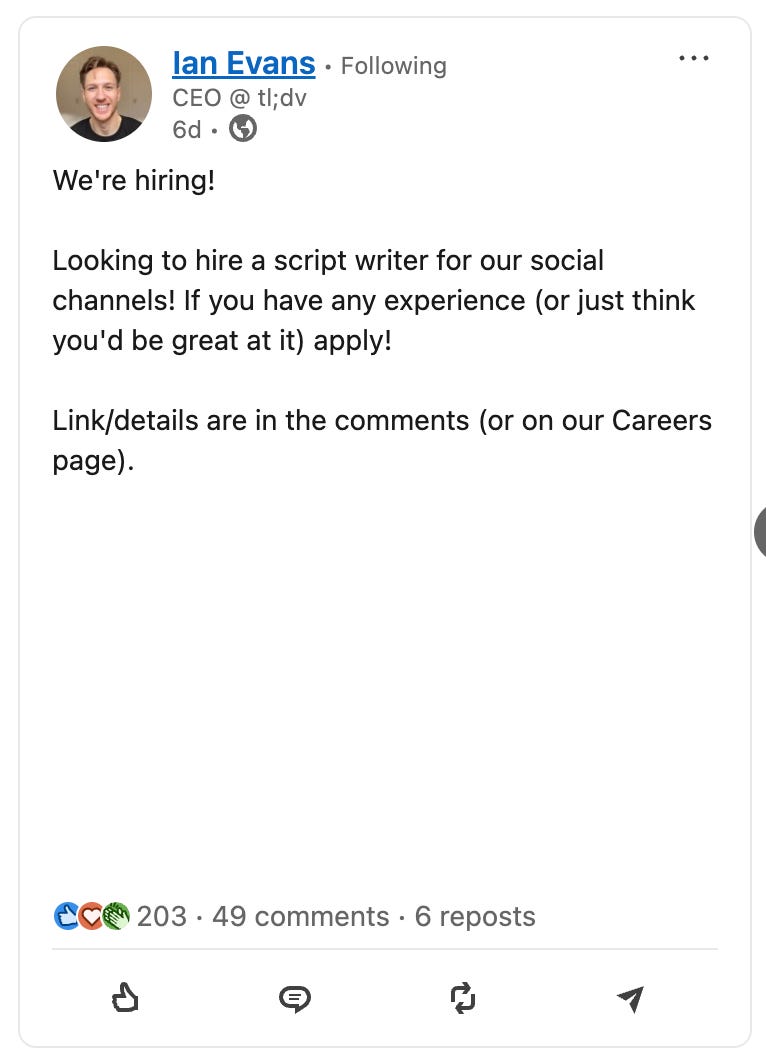
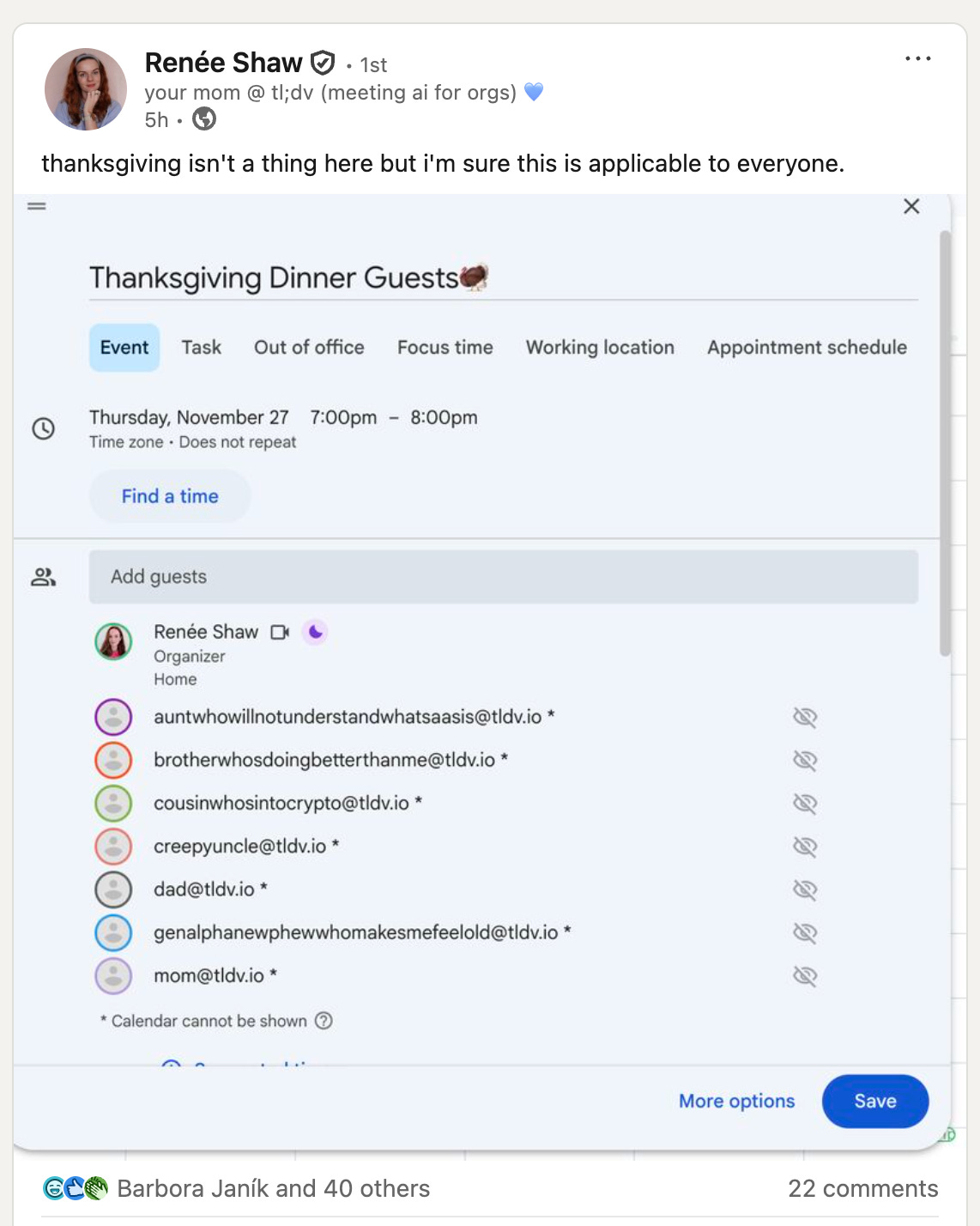
tl;dv
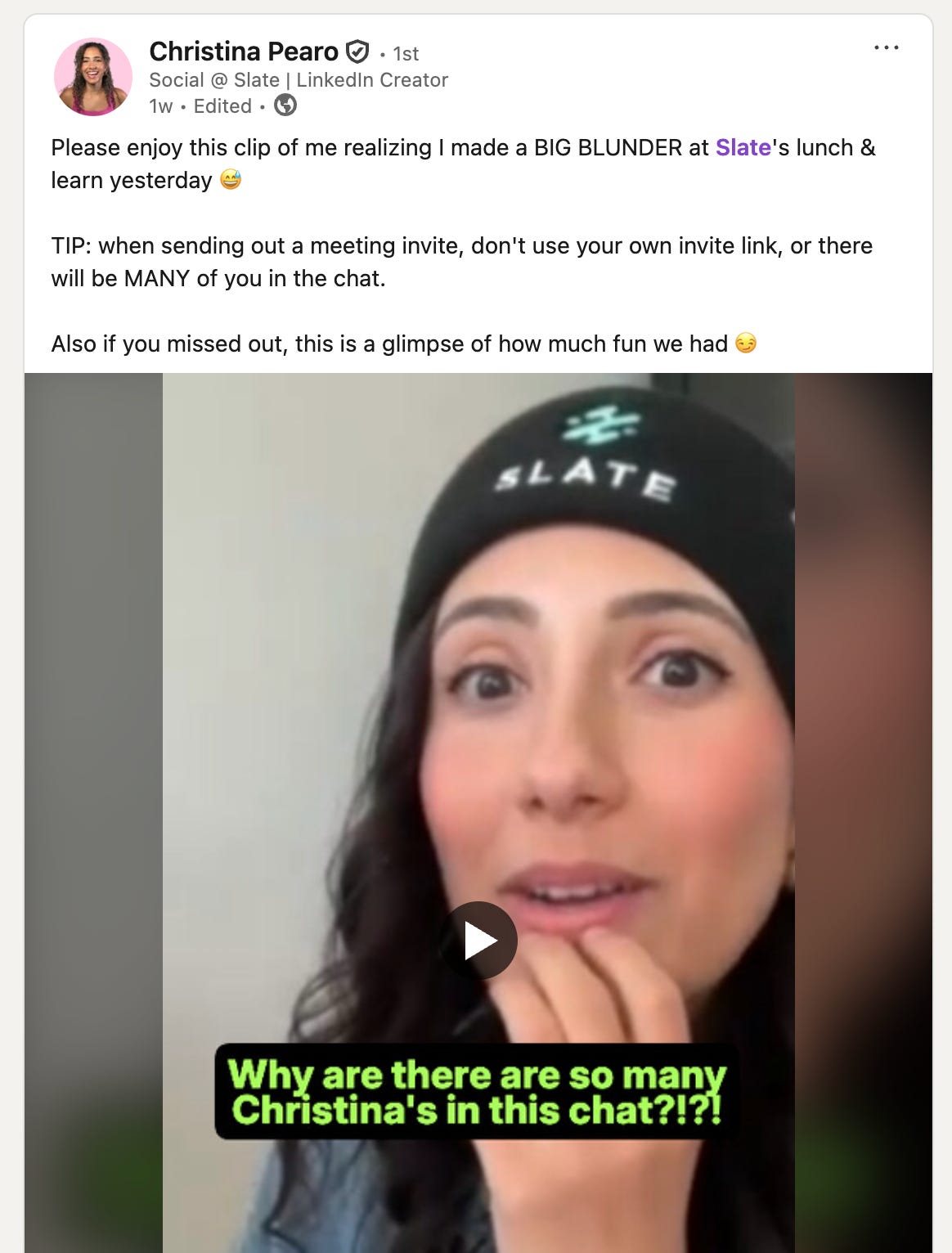
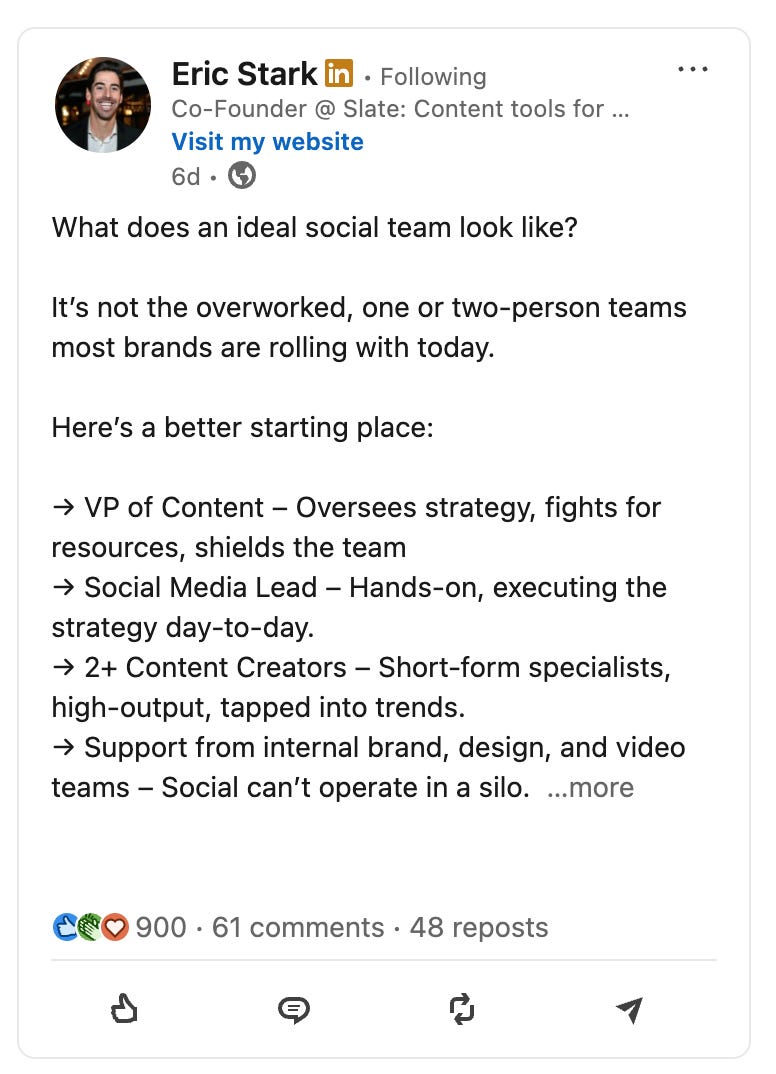
Slate
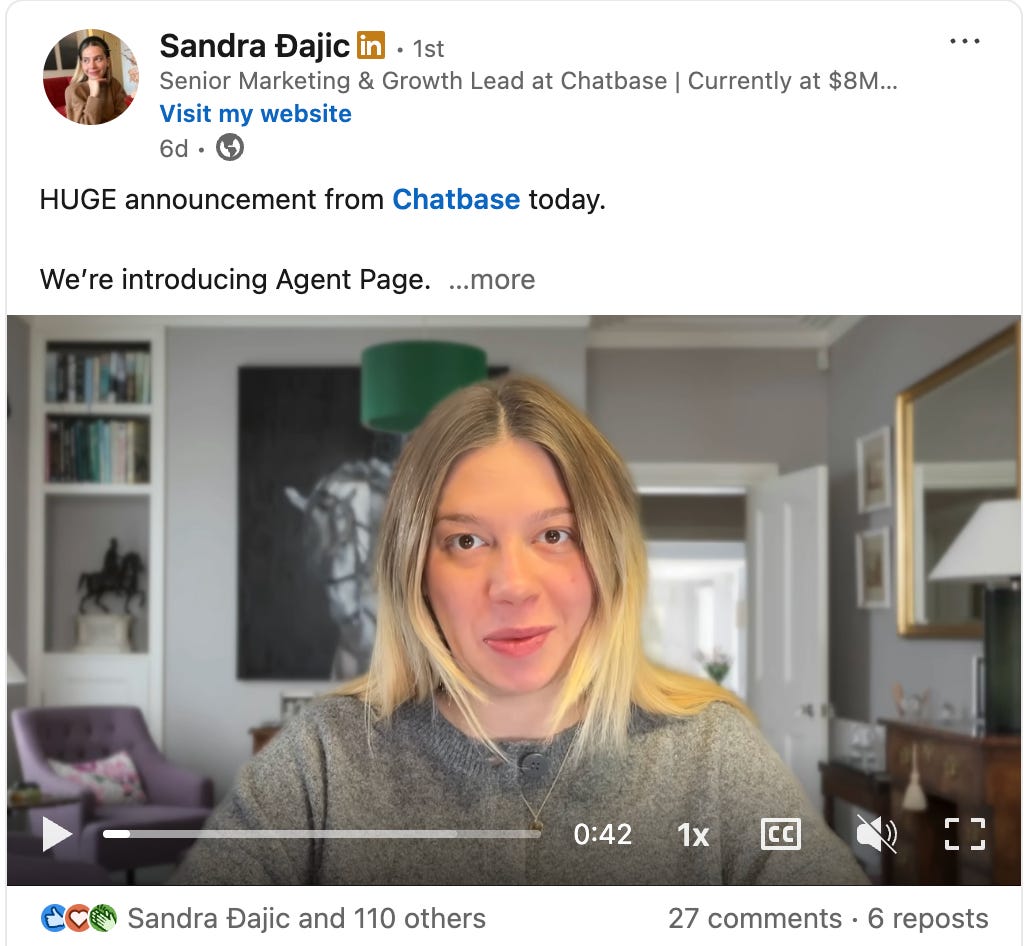
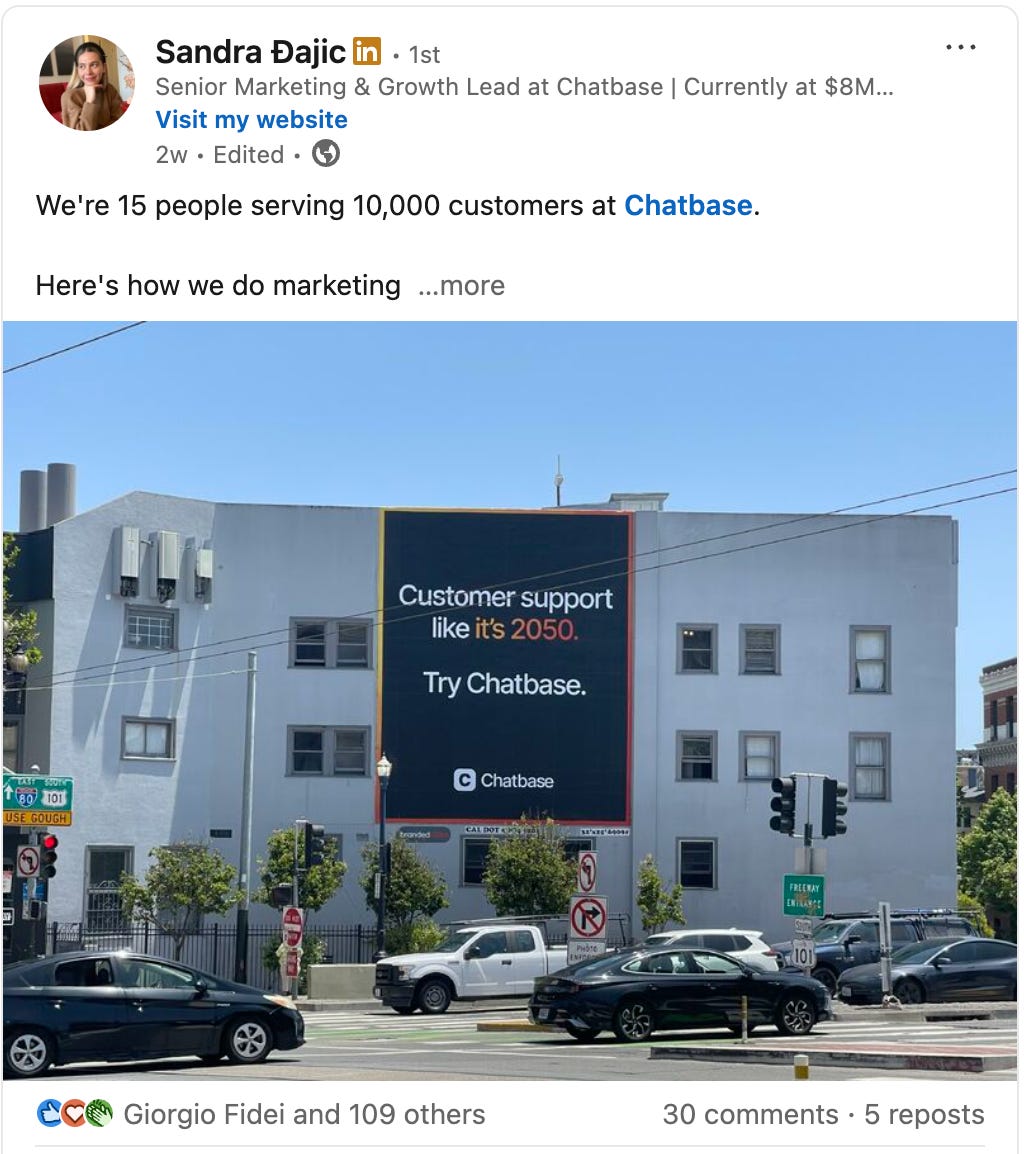
Chatbase
Tactics to optimize your LinkedIn game
While posting is the most crucial thing you can do to build your personal brand, there are a few other tactics you can use to enhance your LinkedIn presence.
1. Commenting
You can leave ‘valuable’ comments on other people’s posts and get your profile in front of 100s of potential ICPs.
You must share something valuable in the comments (please no AI repetition).
We generally recommend commenting on at least 2–3 posts per day
Comment on ICP posts or influencers in your niche
If people engage with your post, make sure that you respond to their comments.
This way, people will frequently see your insightful comments, and LinkedIn influencers will be more inclined to engage with your posts.
2. DM warm outreach
Send DM sequences to ICP people on LinkedIn. But instead of pitching your product, add value first.
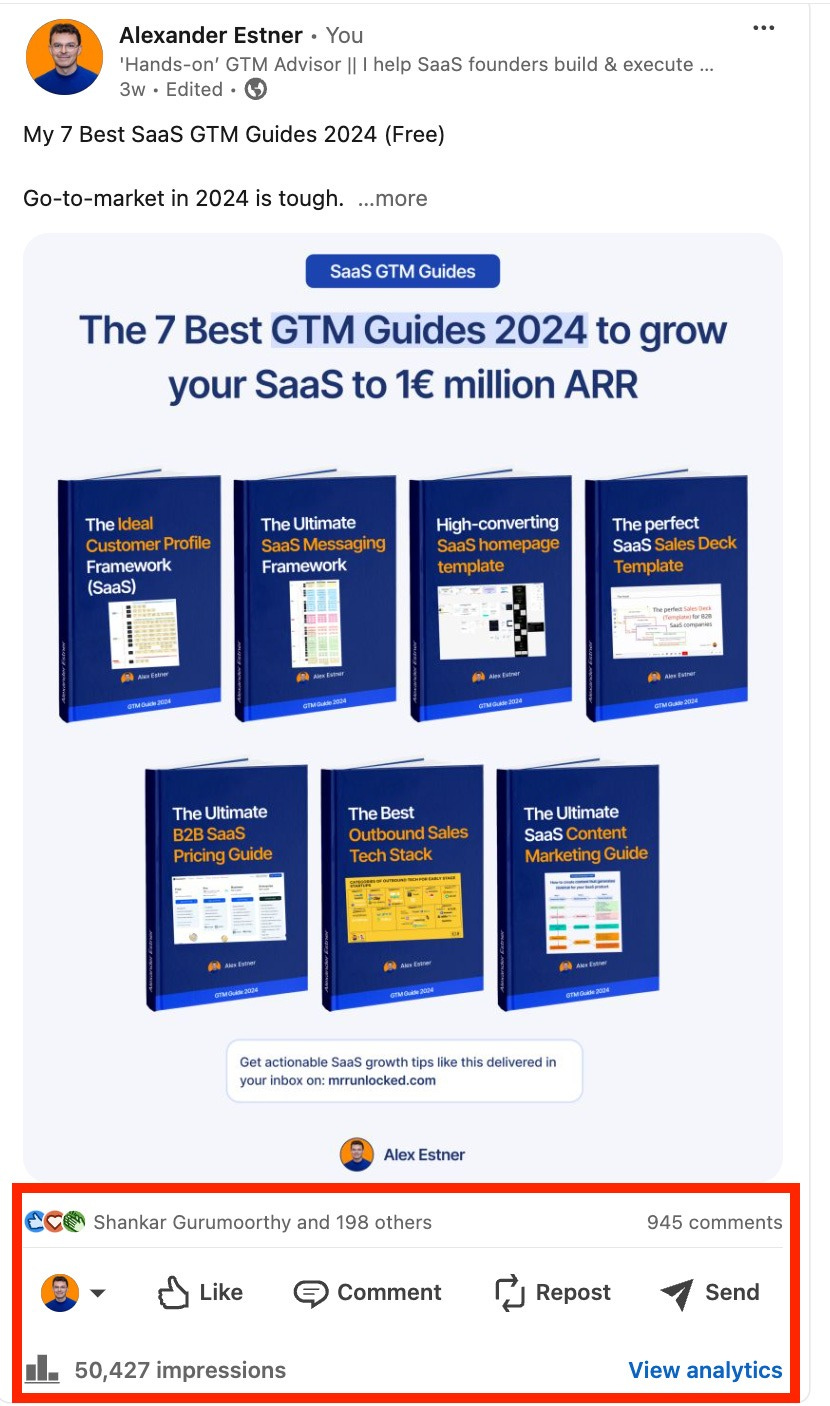
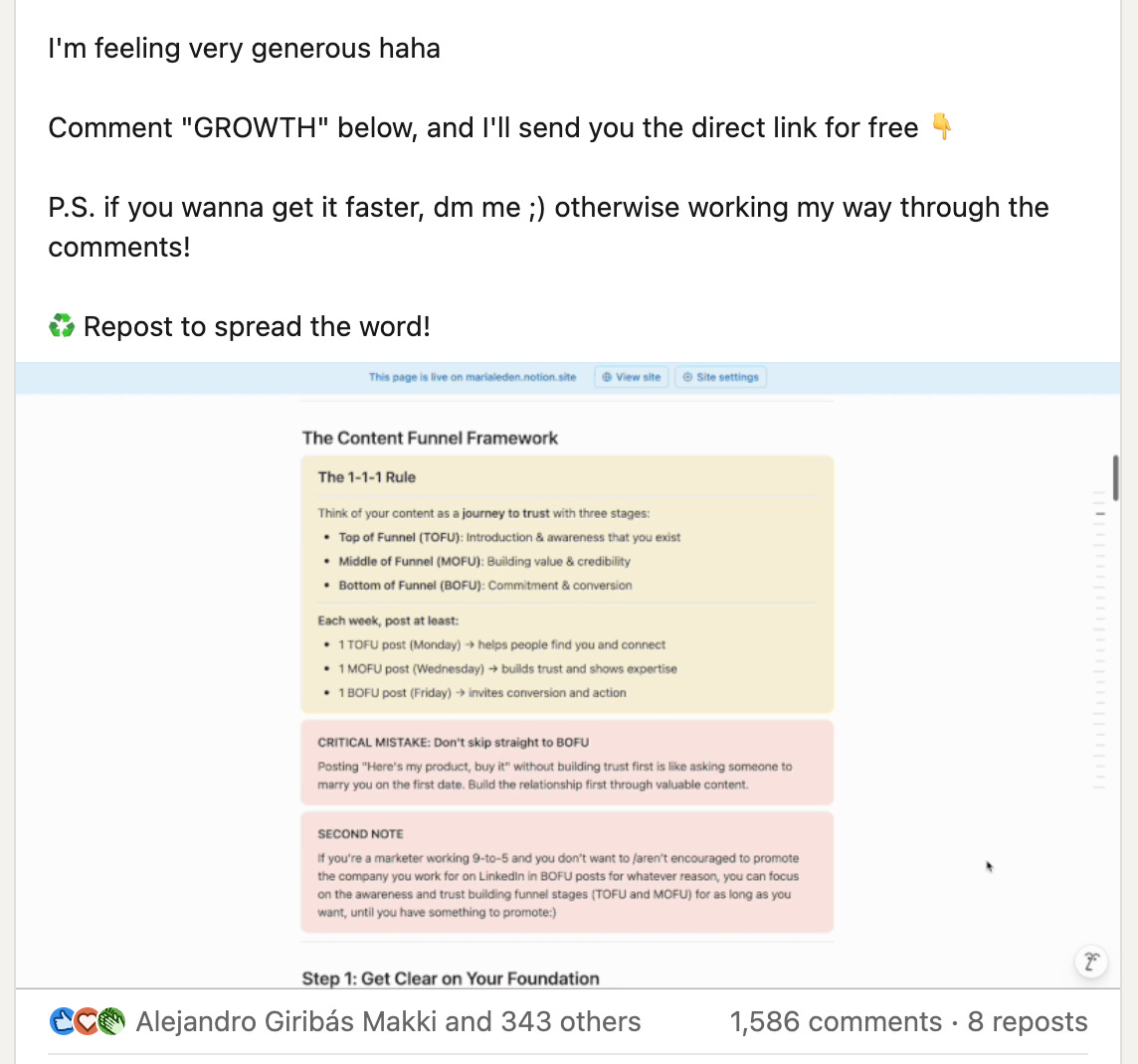
3. Comment Below Lead Magnets
Some people hate it. But it works 😀 You share highly relevant content on LinkedIn. And ask people to comment to get the asset. And you will send a DM to everyone who commented.
💡You can find an entire guide on lead magnets and check out this ‘Freebie Playbook’ from Maria.
Tools to help in content creation
Here’s a list of helpful tools.
Content Creation: Scripe, Taplio, Authoredup, or Publer
Analytics: Shield
Comment below Lead Magnet Posts & DM automation: Leadshark
Content Calendar: Notion
Scheduling Content & Analytics: Scripe, Metricool, Socialkit
LinkedIn Inbox Management: Kondo
LinkedIn templates
That’s it for today. Now you know how to turn your team into LinkedIn brands.
Happy growth 🚀
3 ways I can help you grow your SaaS to €1 million ARR 👇
1️⃣ Use my free GTM library with 50+ free resources (guides, templates, workbooks, and tools) to build a strong GTM foundation (helped 5000+ SaaS leaders)
2️⃣ Get a 360° GTM audit of your status quo + a custom 6-month action plan
3️⃣ Work 1-on-1 with me - GTM Advisory for SaaS founders from €0 to €1 million ARR